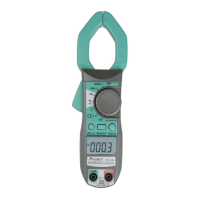
Temperature:
Range Value Test condition
(-20-1000)℃
<400℃ ±(1.0%+5)
≥400℃ ±(1.5%+15)
1℃
(-4-1832)℉
<752℉ ±(1.0%+5)
≥752℉ ±(1.5%+15)
1℉
Sensor: K type
Warning: Do not input voltage at the range for safety.
4. OPERATION
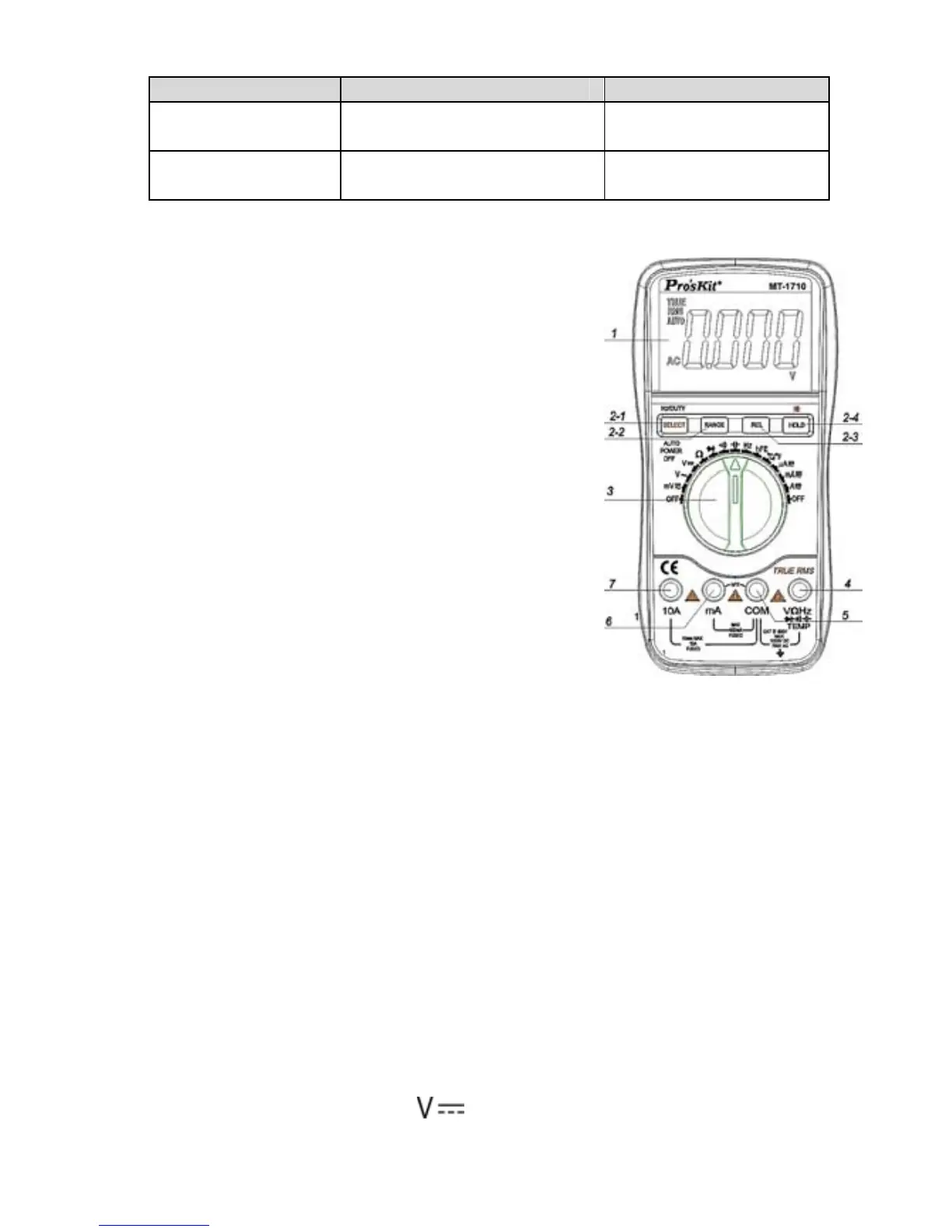
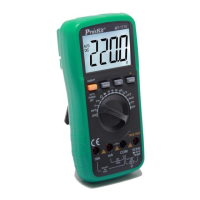
4.1 Front Panel and Description:
1. LCD: display the measuring value and unit.
2. Function key
2-1. “select” key: Select DC/AC, frequency
and duty cycle. Hz/DUTY Key: when
measuring DCA, press the key to
switch ACA. When measuring
frequency, press the key to switch
frequency/duty cycle (1~99%).
2-2. RANGE Key: Select the mode of
automatic measurement and manual
measurement. The default mode is
automatic measurement and “AUTO”
is displayed. Press the key to manual
mode, and if you press one time, it will
be turned to next level from low to high
in turn. Press the key for 2 sec. and it will return to automatic
measurement condition.
2-3. REL Key: Press the key at voltage, current and capacitance range,
and then digits are reset to show relative value measurement. LCD
displays “REL” symbol, and press it again to exit the function.
2-4. HOLD Key: Press the key, the present value is showed on LCD and
display “HOLD”. Press the button again to exit the function. Press the
key for 2 sec. will turn to the backlight.
3. Rotary Switch: Select measurement function and range.
4. Voltage, Resistance, Frequency, temperature, diode, continuity jack.
5. COM jack
6. For measuring current less than 400mA jack.
7. For measuring current 10A jack.
4.2 DC Voltage measurement:
1. Insert the BLACK test lead to “COM” jack and RED test lead to the “VΩHz”
jack.
2. Switch the FUNCTION to “
” range.
3. The default range is Auto, and "AUTO" is displayed. To press RANGE key
5


 To Next Page