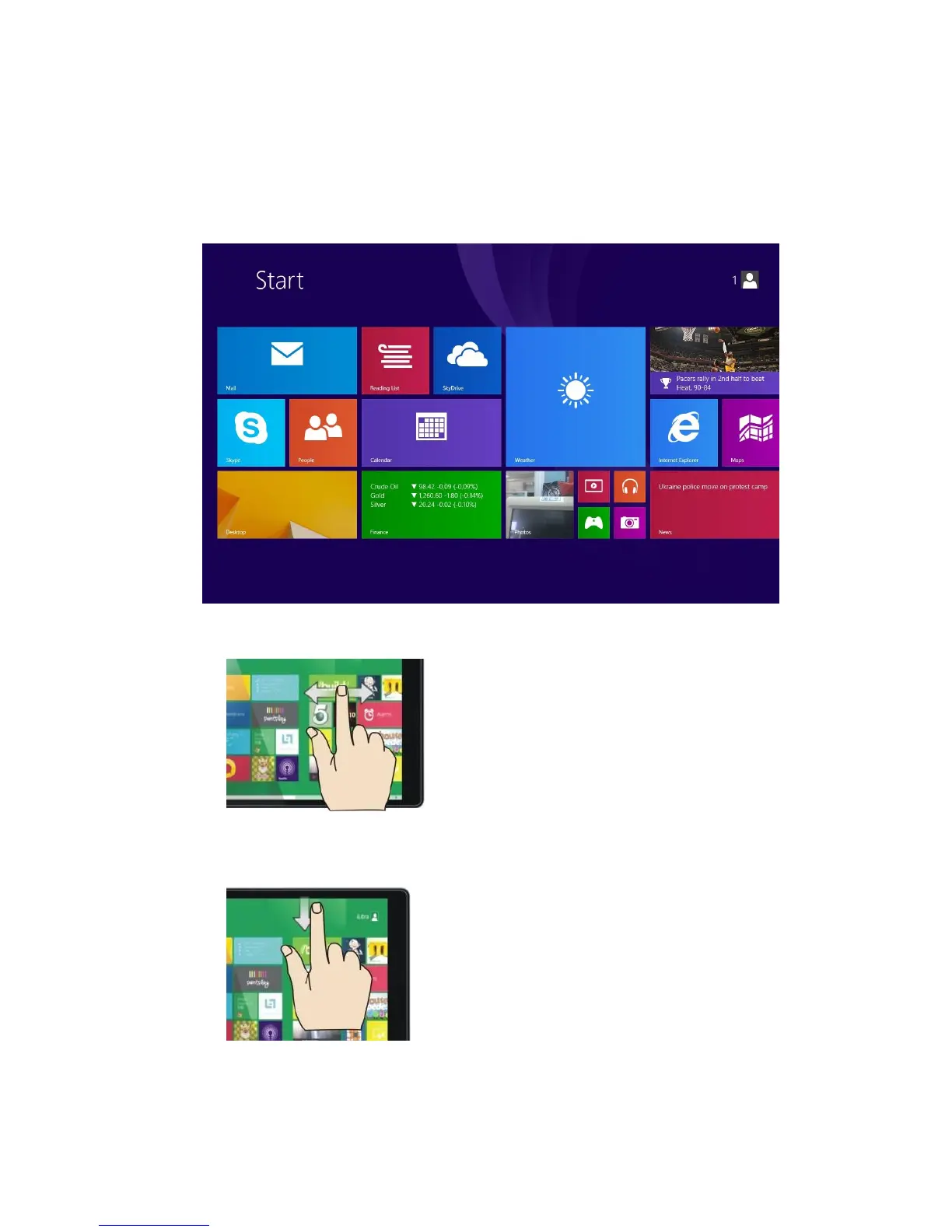
4. The Start Screen
1. Touch the white Start menu icon next to the screen to visit the Start screen. You can also
swipe in from the right edge of the screen and choose Start.
2. Press any tile on the Start screen to start an app. Some apps require you to create or log
into a Microsoft account before they will work.
3. Slide your finger left or right to see more apps.
4. To customize your Start screen, swipe down from the top edge of the screen and choose
Customize. You can then drag and drop tiles where you want them.


 To Next Page