5. Getting Around
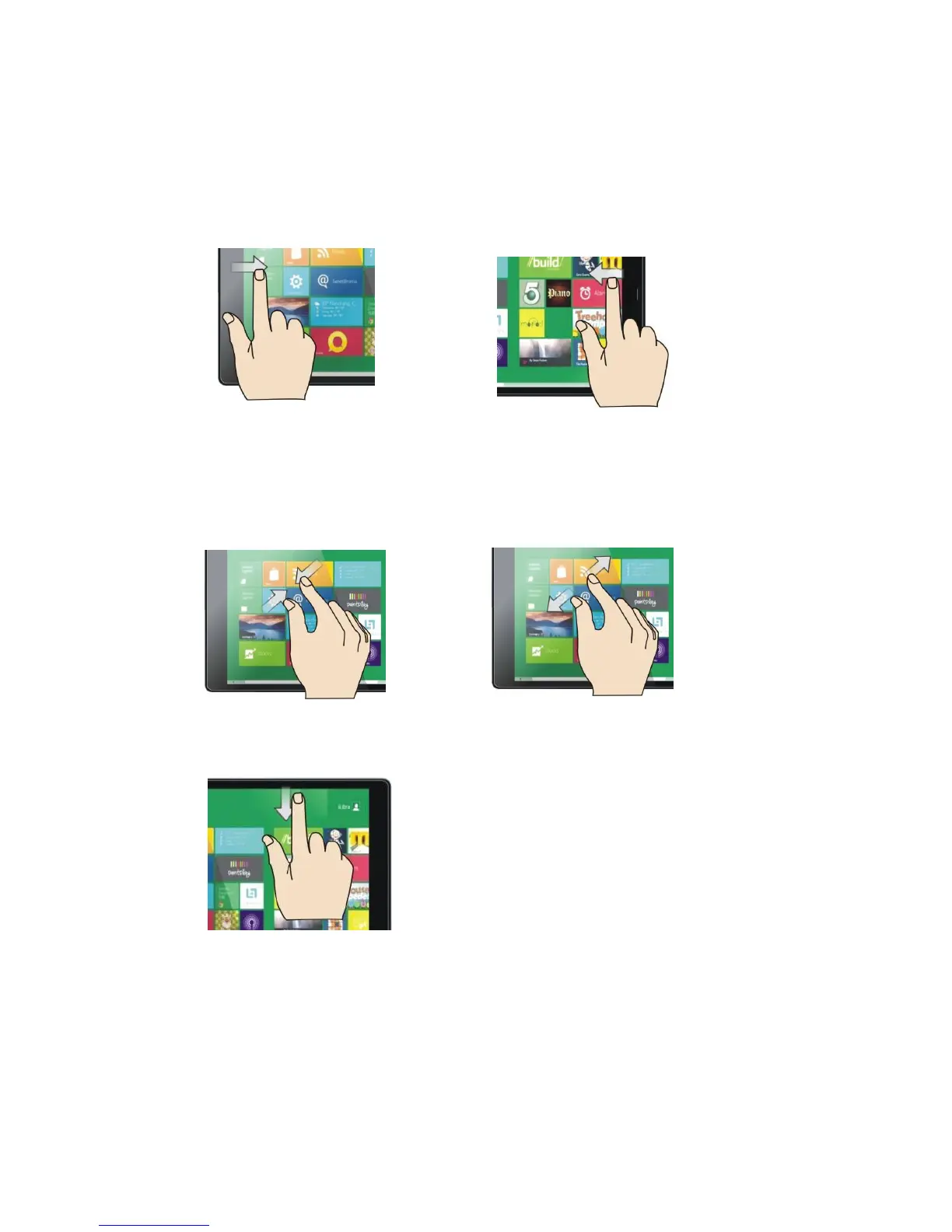
To return to your previous app, swipe in from the left edge of the screen. To see a list of all
open apps, swipe in from the left edge, keep your finger on the screen, and slide your finger back
toward the left edge.
In some apps, you can reduce or enlarge the picture by placing two fingers on the screen and
sliding them apart or together.
Zoom out Zoom in
To see the commands for the app you are using, swipe down from the top edge of the screen.



 To Next Page