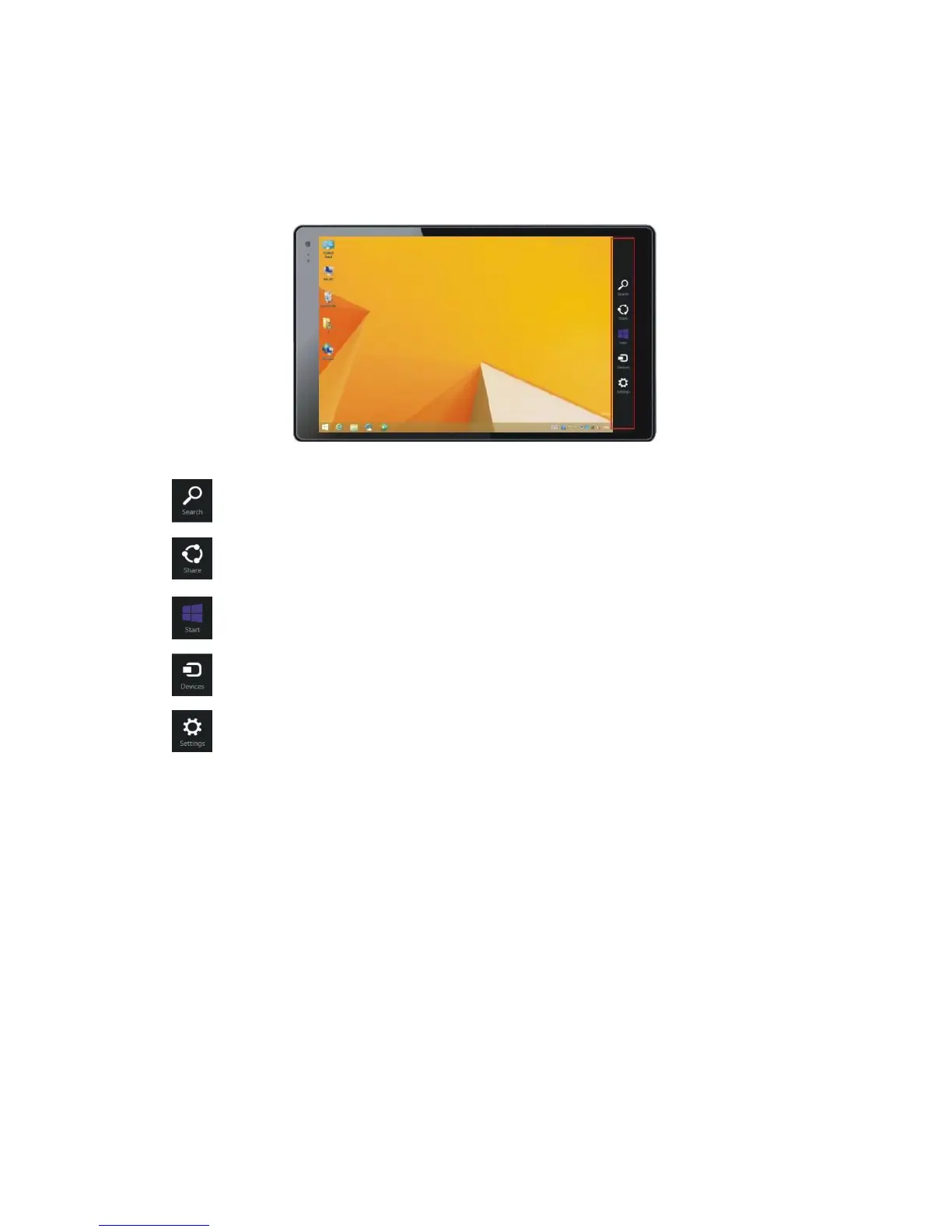
7. Charm Menu
Swipe in from the right edge of the screen to see the five charm icons: Search, Share, Start,
Devices, and Settings.
Search the web and the tablet.
Share something via email or a social network.
Return to the Start screen. If you are already on the Start screen, this icon returns you to
the last app you used.
Manage devices such as printers and projectors.
Change tablet settings.


 To Next Page