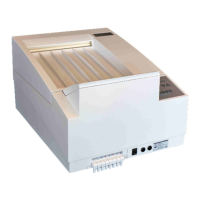
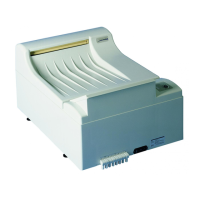
COMPACT 2
TM
29
Tips and Tricks
English
®
Tips and Tricks
Removal of Control PCB
To reach the screws of the control PCB remove the film over the keyboard in the
front area about 20 mm (lift up).
Stop start-cycle
The start-cycle (after switching the machine on) can be manually interrupted. To
stop start-cycle, press both arrow-buttons (2+3) simultaneously. The start-cycle
may only be interrupted for service purposes.
Display of machine information
When during the start-up cycle one of the arrow-buttons is pressed then various
machine information will be displayed.
Arrow button “Up”:
At the beginning for three seconds the machine type (C2) and
then for five seconds the software version will be displayed.


 To Next Page