6
QM7430 - User Manual
1
2
3
4
5
7
8
6
9
10
11
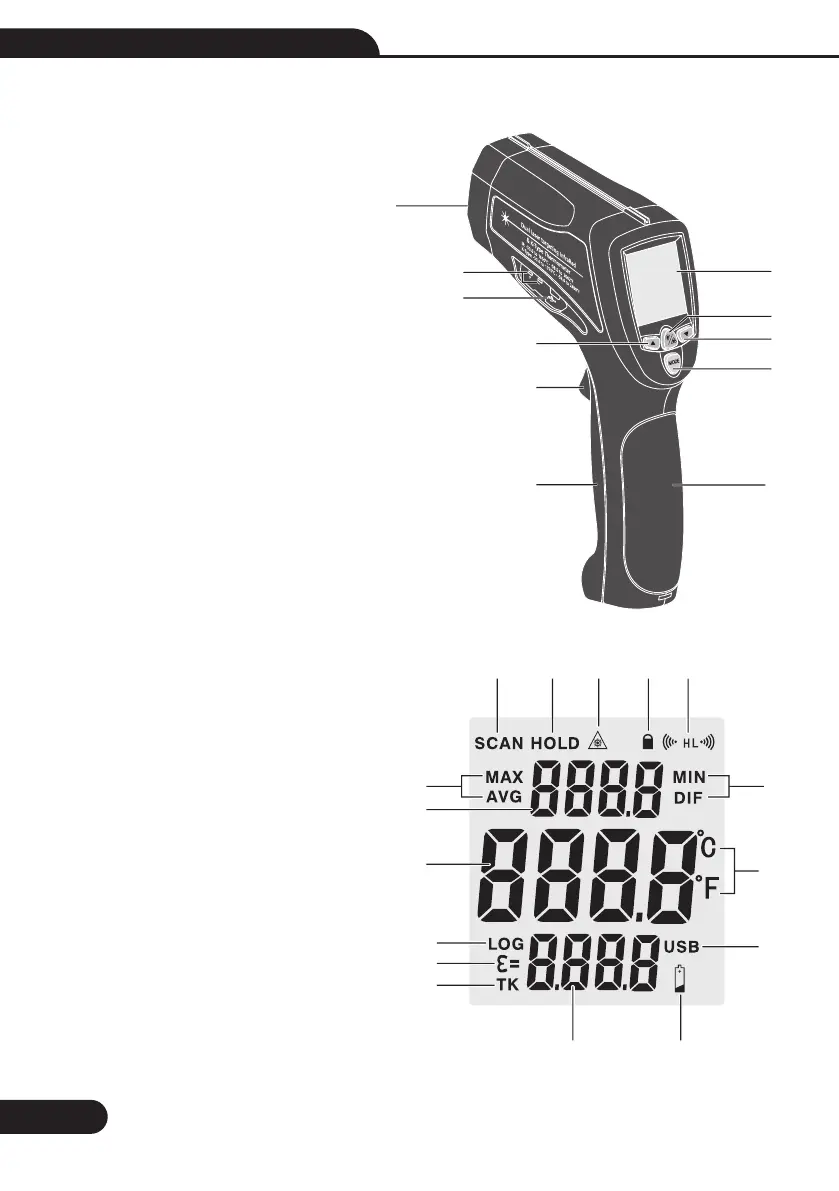
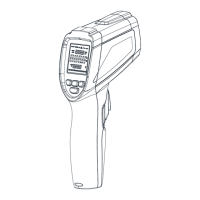
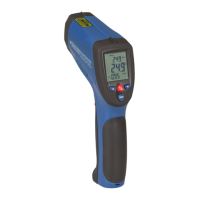
7.Front Panel Description
1-IR Sensor
2-LCD Display
3-Type K in
4-USB in
5-Light/Laser Button
6-Up Button
7-Down Button
8-Mode Button
9-Measurement Trigger
10-Battery Cover
11-Handle Grip
8.Indicator
1-Measuring Indication
2-Data Hold
3-Laser ”ON” Symbols
4-Lock Symbol
5-High Alarm and Low Alarm Symbol
6-Max, Min, Avg, Dif Symbol
7-Current Temperature Value
8-Temperature Values for the
Max, Min, Dif, Avg
9-Emissivity Symbol
10-Type K Symbol
11-Emissivity Value and Type K Value
12-Low Power Symbols
13-°C/°F Symbol
14-Data Logger Symbol
15-USB Symbol(Transmit Data to PC)
1
2
4
5
7
8
6
6
10
11
15
12
14
13
3
9


 To Next Page