- 5 - © 2019 https://www.ProTechTrader.com
OPERATING INSTRUCTIONS
DC & AC VOLTAGE DC
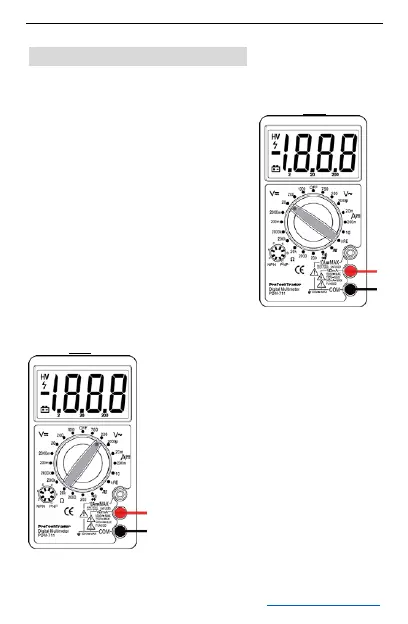
1. Connect red test lead to
“VΩmA” jack, Black lead to
“COM” jack.
2. Set RANGE switch to
desired DC/AC VOLTAGE
position, if the voltage to be
measured is not known
beforehand, set switch to
the highest range and
reduce it until satisfactory
reading is obtained.
AC
3. Connect test leads to
device or circuit being
measured.
4. Turn on power of the
device or circuit being
measured voltage value will
appear on Digital Display along
with the voltage polarity.


 To Next Page