- 6 - © 2019 https://www.ProTechTrader.com
DC CURRENT
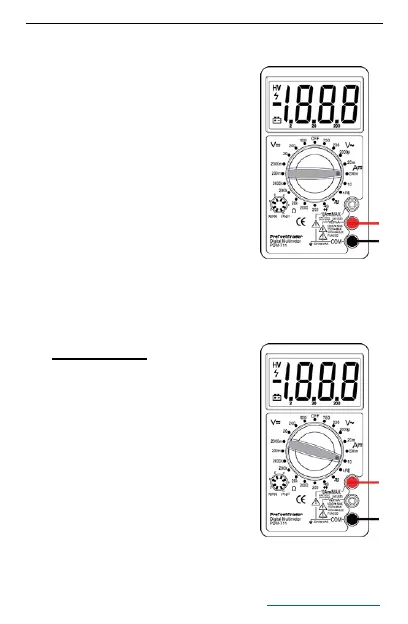
1. Red lead to “VΩmA”. Black
lead to “COM” (for
measurements between
200mA and 10A connect
the red lead to “10A” jack)
2. RANGE switch to desired
DCA position.
3. Connect test leads in
series with the loaded
current to be measured so
that current may flow
through the meter.
4. Read current value on Digital Display.
Please Note: The “10A”
function is designed for
intermittent use only.
Maximum contact time of
the test leads with the
circuit is 10 seconds, with a
minimum 10-minute
intermission time between
tests.


 To Next Page