Setup PROTECT IntelliSuite
TM
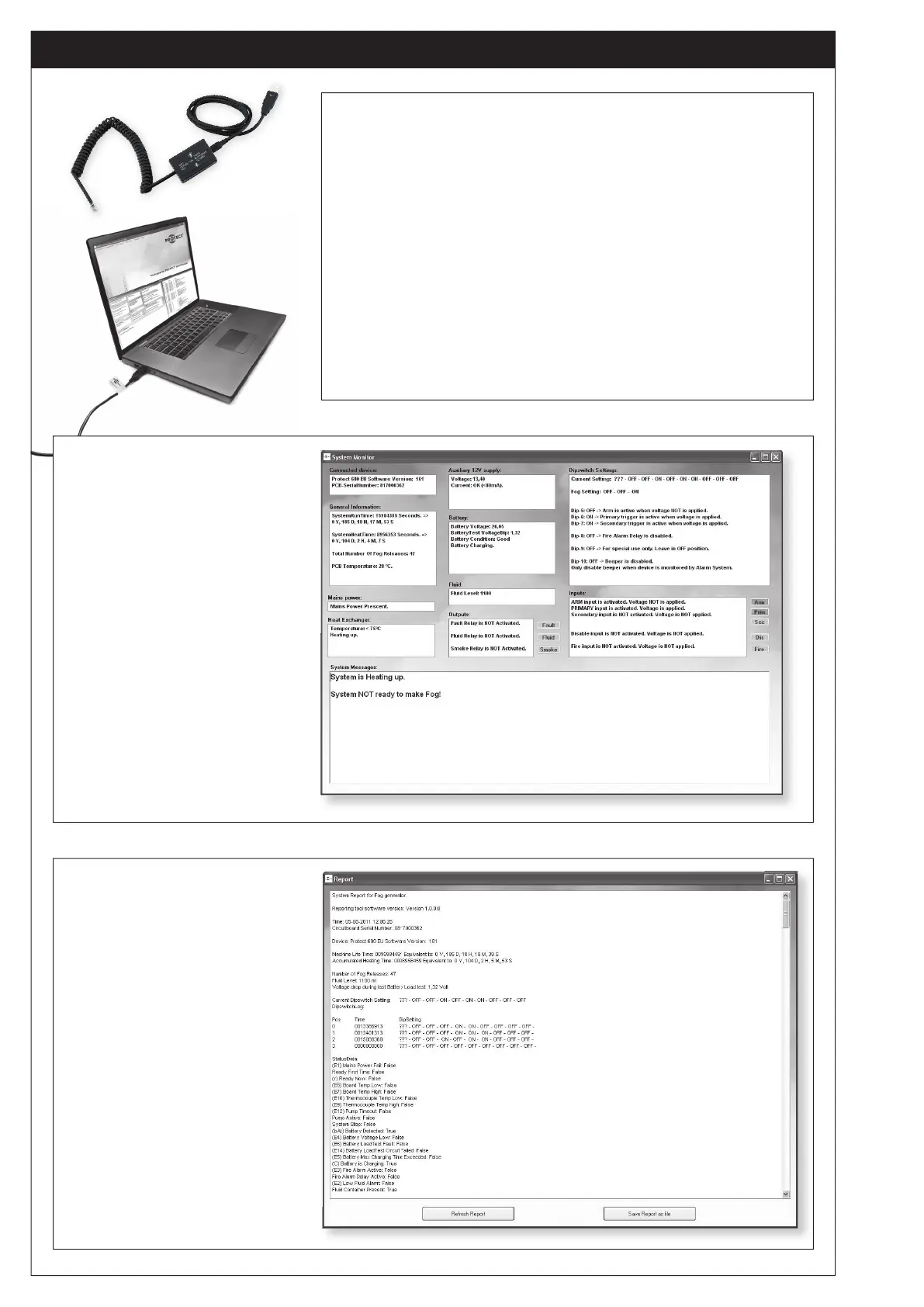
• Install Driver to IntelliConnector
TM
(cable)
• Install IntelliSuite
TM
(Software) from PROTECT
TM
Download
Center
• Connect the IntelliConnector
TM
(Cable) to the Fog Cannon
TM
• Choose communications port
• Setup is normally only necessary once per laptop
• The Cable has a build in 3kV galvanic seperation
to ensure the Fog Cannon
TM
and the laptop
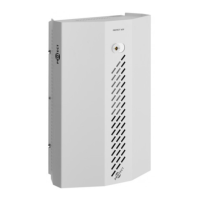
System Monitor
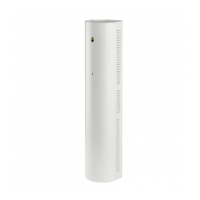
Report tool
• Faults and reasons
• Condition on indputs and outputs
• Batteri condition
• Fluid level
• Operating time
• Dipswitch settingsguide
(fog time)
• All information in one text file
• Saves the last known
dipswitch settings
• Shows faults
• Status on inputs
• Status on outputs
• Analog values


 To Next Page