11
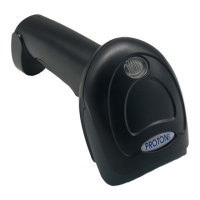
Bluetooth /2.4G/Wireless Barcode Scanner
Pull up and hide keyboards in Android,
iOS operating system device
(Bluetooth Function)
Pull up or hide iOS keyboard
Trigger twice to pull up iOS keyboard
Trigger twice to disable iOS keyboard
C. If need to pull up Android operating system keyboard, please
go for Bluetooth Input Method APP from vendor.
A: Start the scanner, scan “Enter Setting Mode” barcode.
B: Scan the codes below to pull up or hide the iOS keyboard
D: Scan “Exit Setting Mode” barcode.


 To Next Page