12
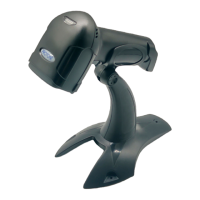
Bluetooth /2.4G/Wireless Barcode Scanner
Restore Factory Defaults Setting
During your operation of the scanner, you may scan other setting
codes unintentionally and result in the scanner can not be used
normally, you can get back to initialization state by scanning
"Factory Default Setting" code.
Restore Factory Defaults
Version Number
A:Start the scanner, scan “ Enter Setting Mode” barcode.
B:Scan “Restore Factory Defaults”and “ Version Number ” barcode.
C : Scan “
Exit Setting Mode”
barcode


 To Next Page