V. Battery Replacement
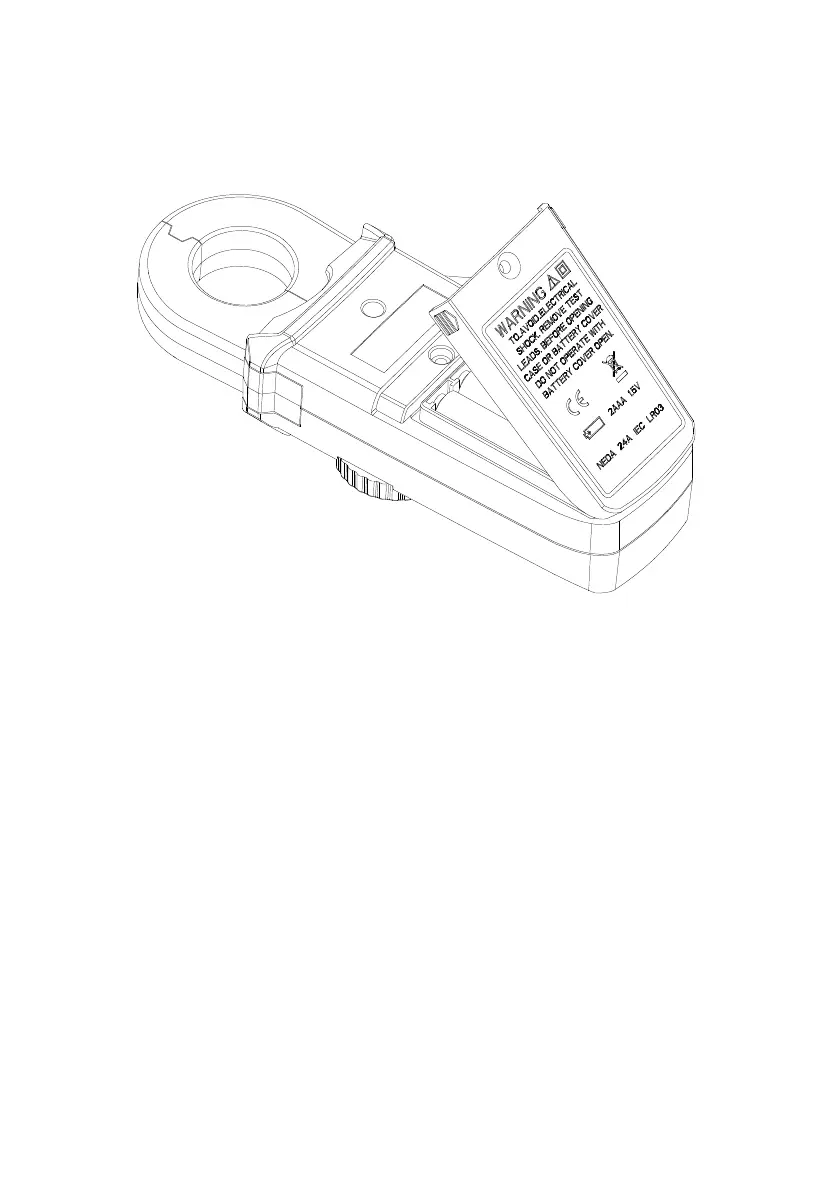
When the low battery symbol is displayed on the LCD, replace the old batteries with
two new batteries.
A. Turn the power off.
B. Remove the screw of the battery compartment.
C. Lift and remove the battery compartment.
D. Remove the old batteries.
E. Insert two new 1.5V SUM-3 batteries.
F. Replace the battery compartment and secure the screw.
VI. Maintenance & Cleaning
Servicing not covered in this manual should only be performed by qualified
personnel. Repairs should only be performed by qualified personnel.
Periodically wipe the case with a damp cloth and detergent; do not use abrasives or
solvents.


 To Previous Page