5. Timer1 and Timer2 setup.
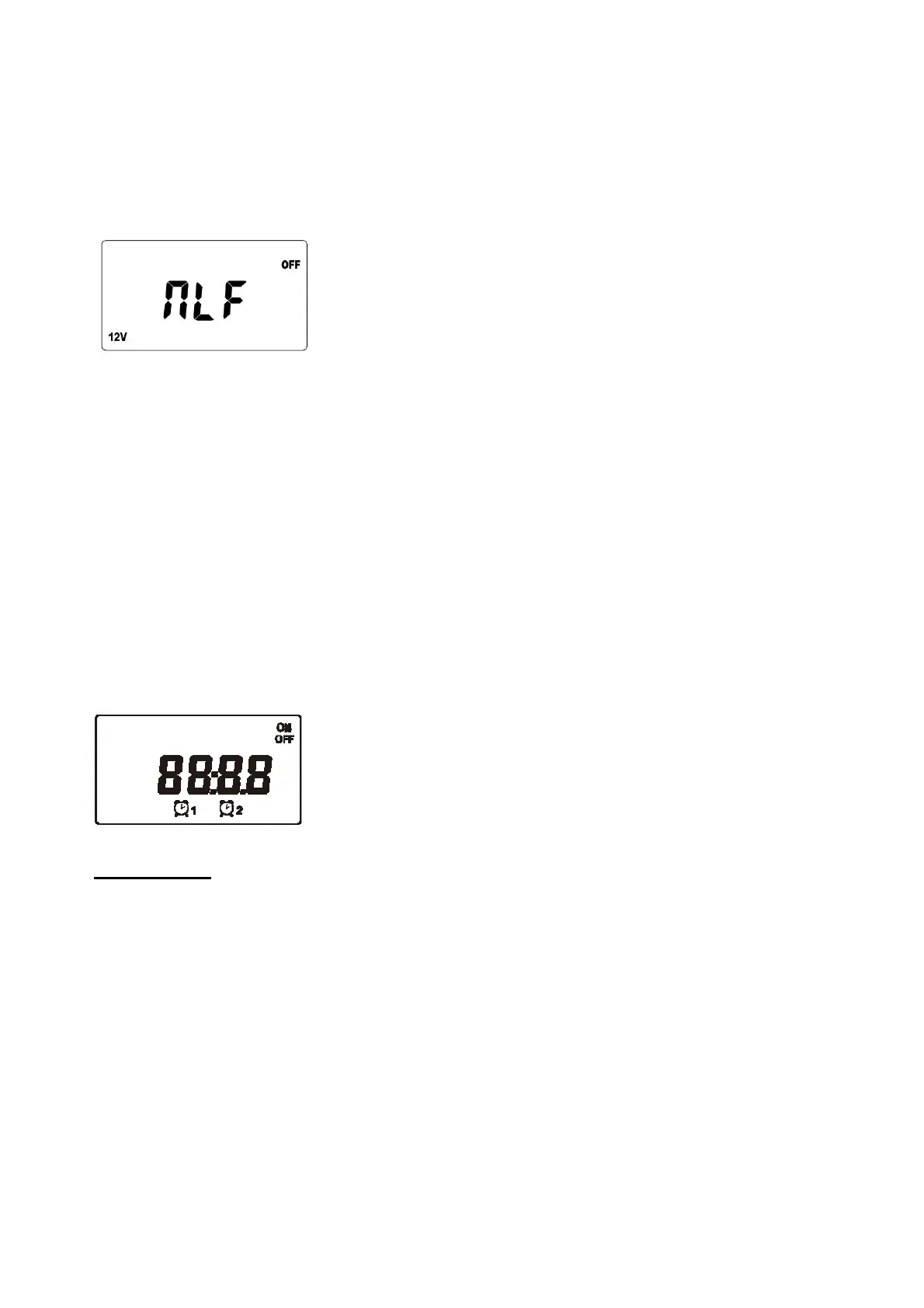
To change Timer settings you must first make sure that NLF is set to “OFF”
9.1. Check that NLF (Night light function) is set to “OFF” by pressing the menu (page) button 6 times from
the main default screen. Window will switch to NLF setup interface. Press the “enter” button once, through
Pageup/Pagedown buttons, choose “OFF” and then confirm by “enter” button.
9.2 From the main default screen press the menu button 7 times, Timer1 screen will appear.
9.3 Press the “enter” button once. Then adjust ‘Hour’ via ‘Pageup/Pagedown’ buttons. Press the ‘enter’ button
to confirm the hour setting and switch to ‘Minute’ adjustment. Use ‘Pageup/Pagedown’ buttons to adjust
Minute. Press ‘enter’ button to confirm minute setting. Now using ‘Pageup/Pagedown’ buttons; choose ‘ON’ or
‘OFF’ or ‘ON/OFF’ and then confirm by ‘enter’ button. ‘ON’ stands for the time when you want to turn the load
on. ‘OFF’ stands for the time when you want to turn the load off. ‘ON/OFF’ means the Timer is disabled.
9.4 From the main default screen press the menu button 8 times, Timer2 screen will appear.
Follow step 9.3 operation as per above.
Timer1 and Timer2 setup should now be complete; you can confirm these settings by using the menu key to
scroll through to Timer1 and Timer2 screens
FEATURES
1. PWM Charge control - Depending on the actual battery level, various charging procedures, float charging
and boost charging are automatically performed.
2. Deep discharging protection - If the battery falls below a specified voltage (11.0V/22V), the load output is
disconnected preventing excessive discharge of the battery. Once the voltage increases to 12.0V/24V the
load will be automatically re-connected. The set points of the deep discharging protection are predefined
and cannot be reset.
3. Two timers can be set to turn the loads on and off automatically.
4. Temperature Compensation
ISC3042 has an internal ambient temperature sensor that compensates during the float mode. This functions
only when float voltage setup is set to “OFF” (See item no. 4 page 5)
5. MPPT function - Implementing the latest MPPT technology the controller is able to harness the panels
maximum available output at all times.
6. 5V USB output provides 5Vdc/ 500mA power supplier
7


 To Next Page