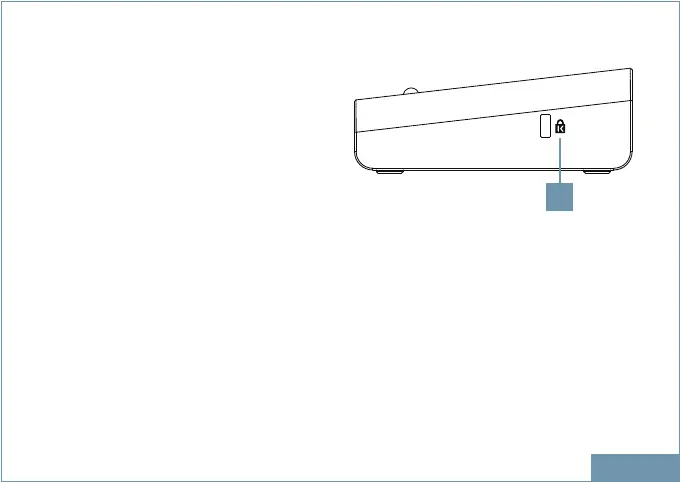
Product Overview
Driver Installation
1. K-lock Keyed laptop lock
ENGLISH
SIDE
1
Go to https://www.displaylink.com/downloads
On the download page choose your operation system and select the correct driver.
Click on download and save the le to your computer.
With the docking station unplugged run the le to install the driver on your system.
Connect the Docking Station to your computer after the driver installation is completed.
For connection details, refer to the Connection chapter.


 To Next Page