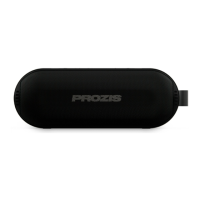
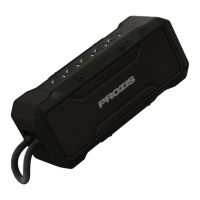
CHARGING
• Locate the input on the back of the device.
• Use the USB charging cable that comes with the
device.
• Plug the small end of the USB charging cable
into the speaker and connect the large end to ei-
ther a power USB port or to a USB power adapter
that connects to a power outlet.
• The battery charging indicator stays red while
charging, and blue when the devide is fully
charged.
• It takes approximately 1 hour to fully charge the
speakers.
Note: Charge the speakers fully before using for
the rst time.
PAIRING WITH YOUR SMARTPHONE
• When the device is switched on and the two
speakers are connected, activate the BT on your
smartphone and set it to search for compatible
devices.
• Select the device name “Prozis Split” from the
list of found devices.
• You will hear the words “BT Connected” if pair-
ing has ben carried out successfully.
• After paired, you can begin to play music from
your smartphone wirelessly to the speaker.
• When listening to music, press the Multifunction
button to pause and play music as desired.
9
EN
(See page 2, gure 2)
(See page 2, gure 3)



 To Next Page