19
f. Adjusting Display Brightness
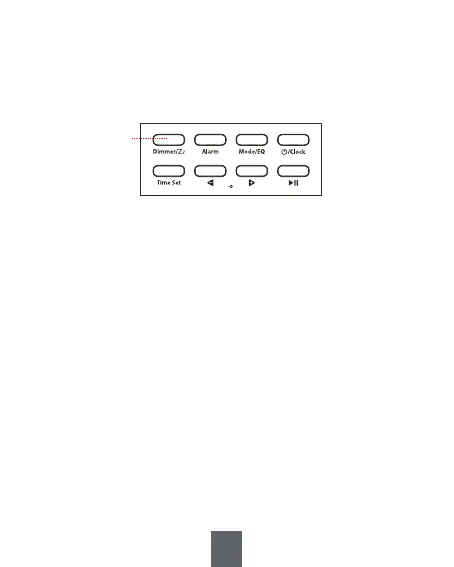
In clock mode, press the <① Dimmer/Zz> briefly to switch
between three levels (off, medium, bright) of display
brightness.
Note:
In the off state, the display screen will automatically light up
(at medium brightness) if the device is operated or when the
alarm goes off. It will turn off automatically after 5 seconds of
inactivity.
①


 To Next Page