7
④
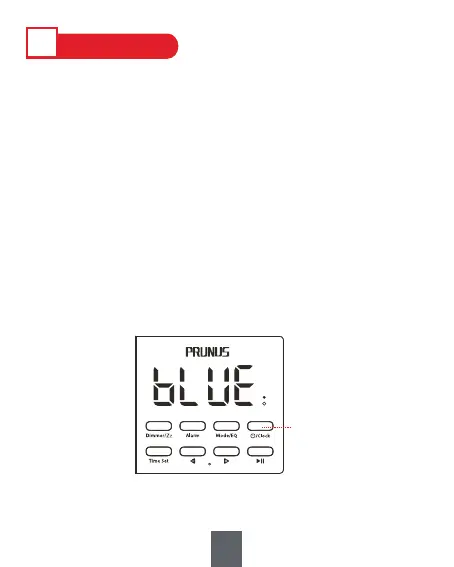
1) Press and hold <④/Clock> for 3 seconds to power
on/off.
2) When the device is powered on, briefly press <④
/Clock> to switch from the working mode(Bluetooth/
TF card/USB drive/AUX/FM mode) to the clock mode
(only display time), or switch from the clock mode
back to the working mode.
Ⅳ
HOW TO USE
1. Power ON/OFF


 To Next Page