3.Play via AUX
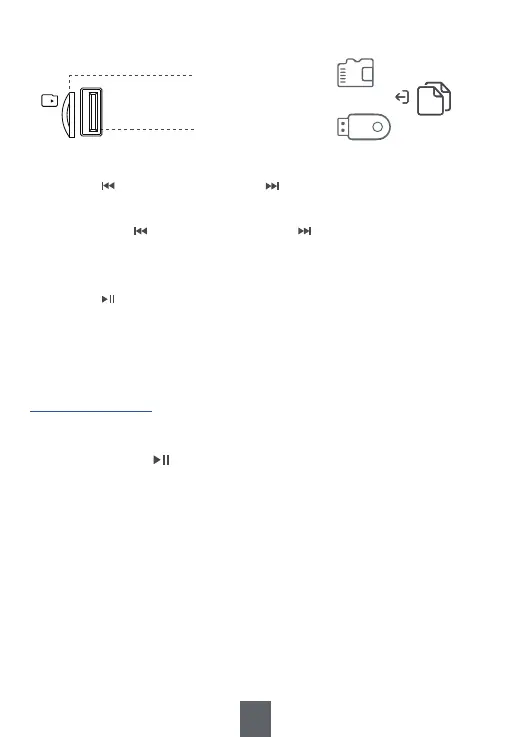
⑫ USB Drive Port
⑪ TF Card Slot
MP3
Song
USB
TF
10
Tips:
1. Press <④ Previous/Rewind> or <⑤ Next/Fast forward> to choose the
previous or the next song.
2. Long press <④ Previous/Rewind> or <⑤ Next/Fast forward> to fast
forward or rewind down. (Only available under “played by USB drive and
TF card”.)
3. Press <③ Play/Pause/Mode Switch> to pause and resume the playback.
4. Please make sure the USB drive and TF card are in FAT or FAT32 format,
as the radio can’t read USB drive and TF card in NTFS format.
1) Move <⑥Band Switch> to “BT”.
2) Long press <③ Play/Pause/Mode Switch> to switch to AUX
mode. Then the radio will give a “AUX mode” sound.
3) Insert one end of the AUX cable into the <⑬AUX in Jack> of
the radio and the other end into the earphone jack of your
mobile phone or computer.
4) Open the music app/software to play music.


 To Next Page