© 2018 PRUVEEO
All Rights
Re
s
er
v
ed
.
For connecting with TV or other display systems with AV functions
through AV lines and displaying videos and other information in
the recorder.
Video
recording /
UP Button
* Press to start / stop recording.
* Press to navigate UP through options in Settings Mode.
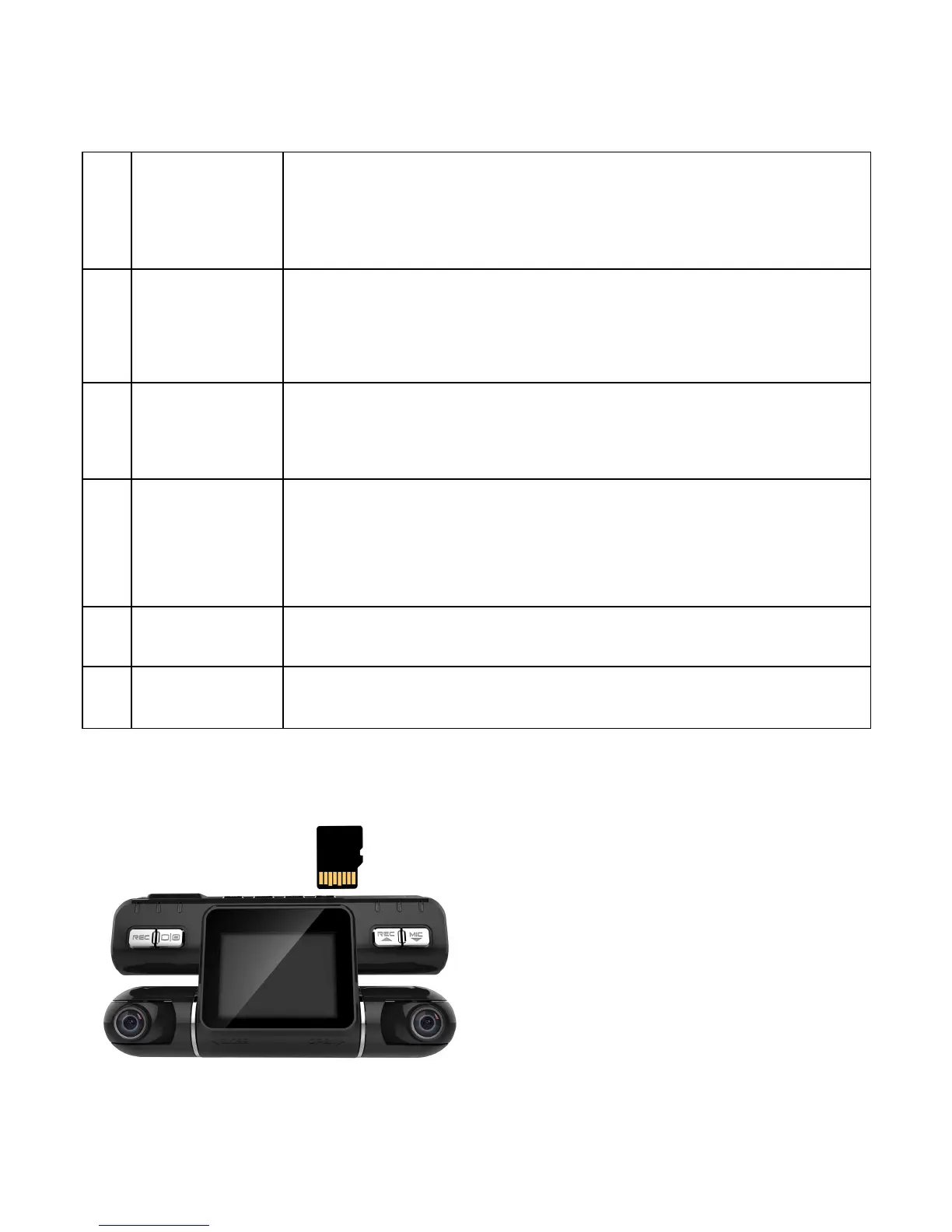
* Press the button to switch the image between Front, Rear, Front
and Rear, and Picture in Picture.
Audio
recording /
Down
Button
* Press to mute / un-mute the microphone during recording.
* Press to navigate DOWN through options in Settings Mode.
It serves as the interface for charger when charging.
Please insert the micro SD card as below.


 To Next Page