Control & Operation
®
4826 Sterling Drive, Boulder, CO 80301
PH: 720.406.8946 | service@psaudio.com | www.psaudio.com
15-042-21-1 Rev A
Instruction i
©2010 PS Audio International Inc. All rights reserved.
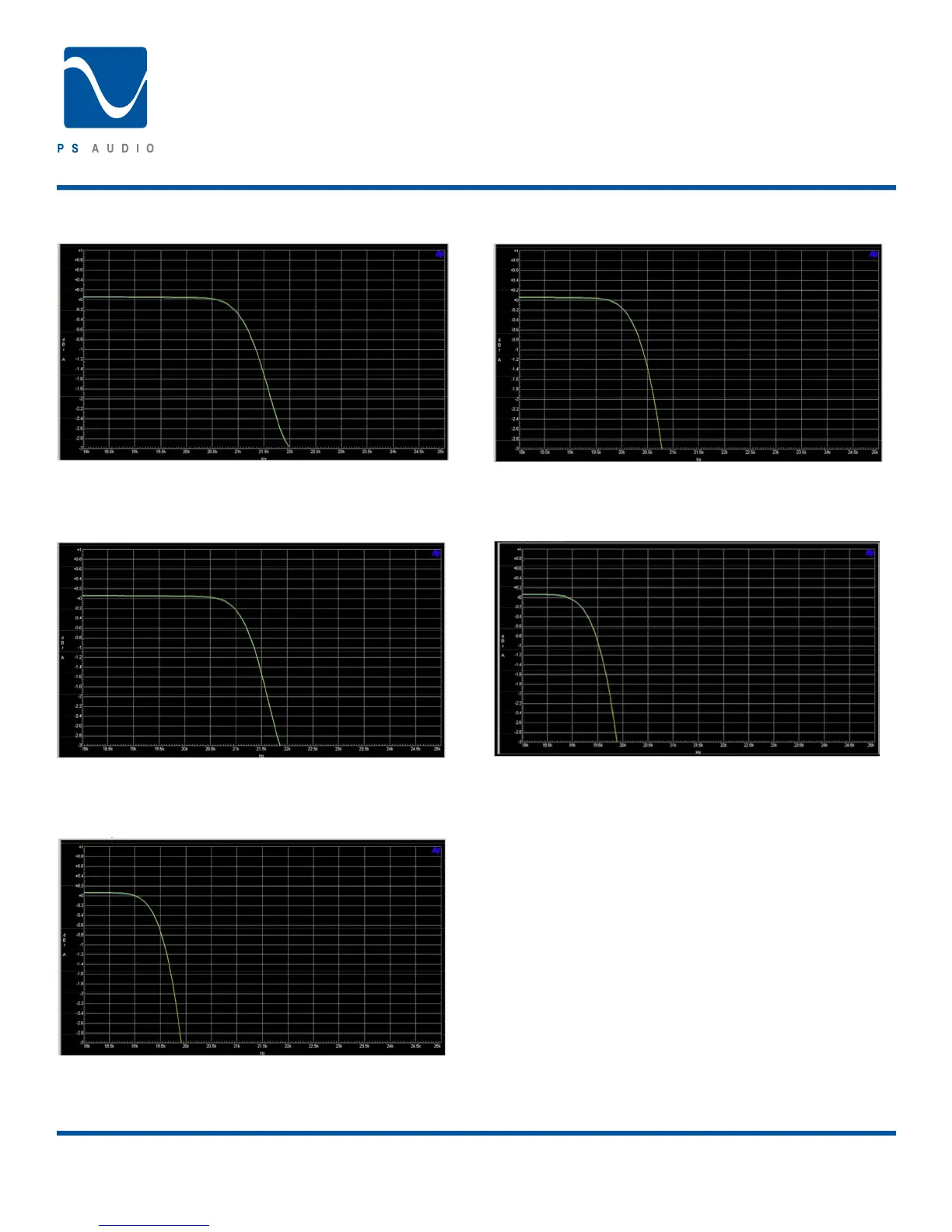
Filter 1 MP APOD
Minimum phase Apodising lter. Low pre-ringing, minimal
group delay, minimized post ringing, good phase vs. frequency,
sharper lter cutoff
Filter 2 MP SOFT
Minimum phase soft knee lter. Low pre-ringing, minimal group
delay, minimized post ringing, good phase vs. frequency, soft
cutoff.
Filter 3 LP APOD
Linear phase Apodising lter. No group delay, perfect phase vs.
frequency, minimal post ringing, some pre-ringing, sharper lter
cutoff.
Filter 4 LP SOFT
Linear phase soft knee lter. No group delay, perfect phase vs.
frequency, minimal post ringing, some pre-ringing, softer lter
cutoff.
Filter 5 MP 1/2B
Minimum phase recursive Half Band symmetrical lter.
Minimized pre and post ringing, good group delay, good phase
vs. frequency response, sharp cutoff.
Phase (Polarity)
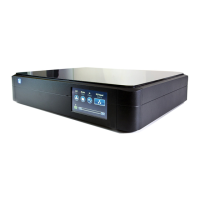
Touching this control on the front panel touch screen (or the
remote) will invert the absolute phase (polarity) of the audio
signal. This is the same thing as reversing the loudspeaker
inputs, placing + to – and – to +. Phase reversal happens on
many recordings, sometimes even within the same CD or DVD.
If the track sounds a little “off” try reversing the phase with this
control to see if the CD track gains a bit of proper perspective. If
it does, chances are good that it was recorded out of polarity.
Owner’s Reference
Perfect Wave DAC




 To Next Page