®
Owner’s Reference Sprout
4826 Sterling Drive, Boulder, CO 80301 . PH: 720.406.8946 . www.psaudio.com
©2014 PS Audio Inc. All rights reserved.
Using Sprout
Now that your sources are connected, the AC plug is feeding power and
the rear panel AC power switch is on, let’s play some music.
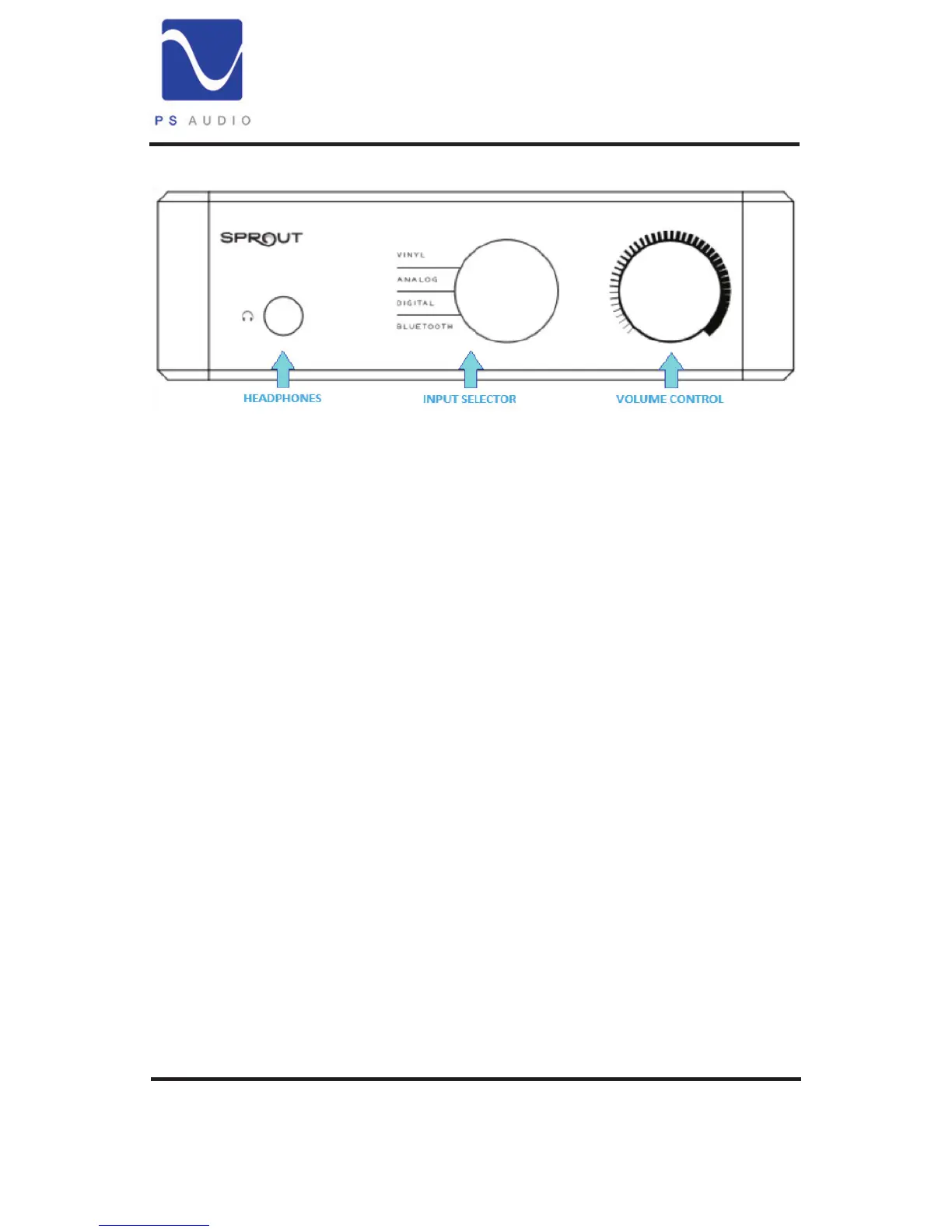
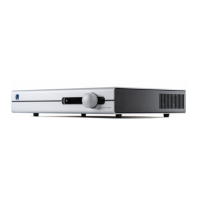
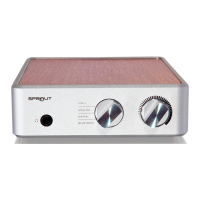
Playing music on Sprout couldn’t be simpler. Choose what you wish to
listen to using the Input Selector and turn the volume knob up or down
to adjust the loudness of the music. If you have a pair of loudspeakers
connected to Sprouts output connectors, music should play through
your speakers. If you are listening through headphones plugged into the
front panel, music should play through the headphones.
Input Selector. There are four input choices on the Input Selector: Vinyl,
Analog, Digital, Bluetooth. Select which of these you wish to listen to.
Vinyl. If you have a turntable (record player) connected to Sprout’s rear
panel inputs labeled “Vinyl” you should get music playing when the
Input Selector is in this position with the record on. Sprout accepts a
moving magnet (normal) cartridge. The sound should be great. If the
sound is boomy or distorted check to make sure you do not have a
turntable with a built in amplier. Sprout is designed to


 To Next Page