®
Owner’s Reference Sprout
4826 Sterling Drive, Boulder, CO 80301 . PH: 720.406.8946 . www.psaudio.com
©2014 PS Audio Inc. All rights reserved.
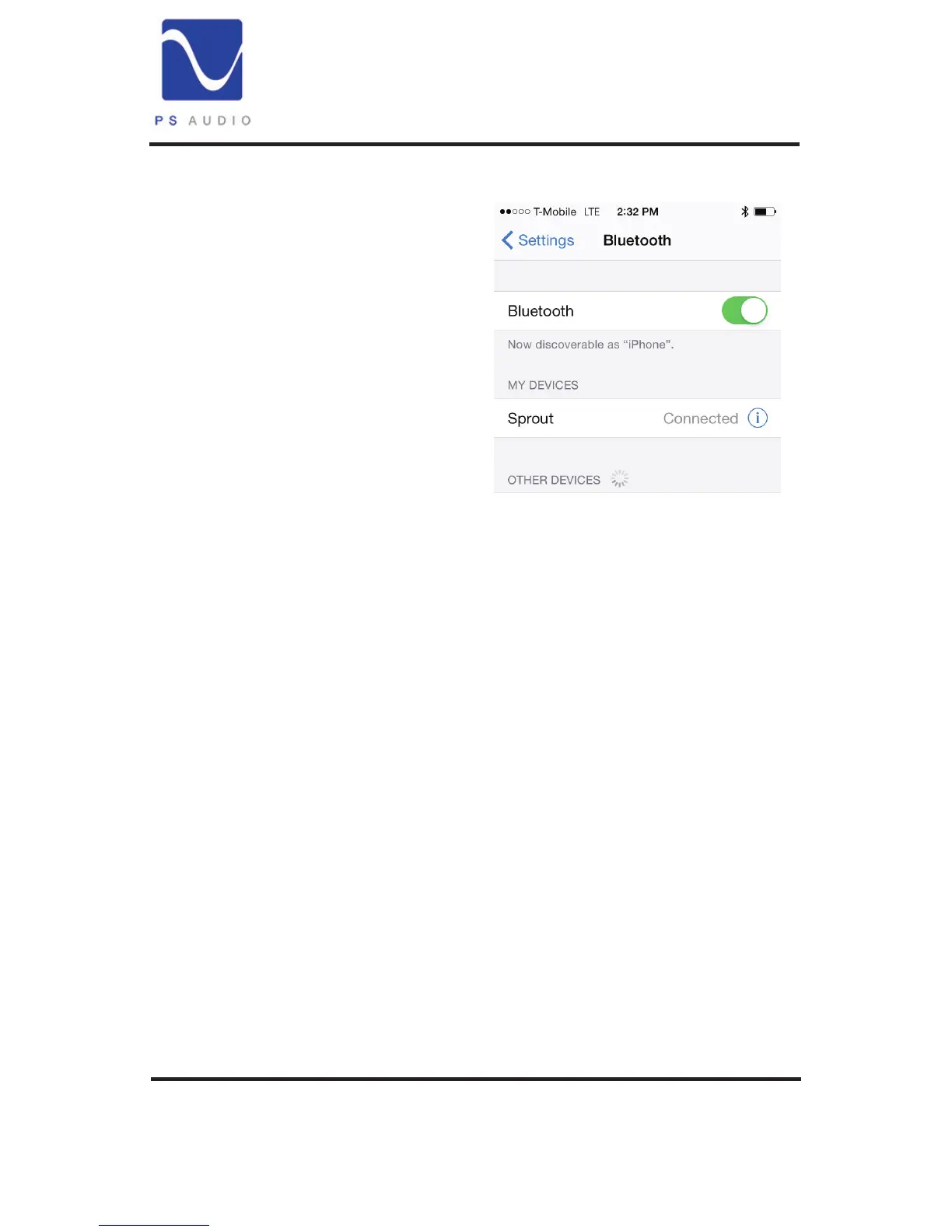
With Bluetooth active on your
mobile device, go to the discovery
screen for Buletooth devices in the
Setting menu (see your phone’s
instructions). Look for “Sprout” and
connect to it. Sprout will remember
your phone and automatically
connect with up to two devices
once it has learned your mobile
device’s identity.
Once your mobile device is
connected to Sprout, anything you
play on your mobile device will now play on Sprout.
To control the volume when connected via Bluetooth there are two
methods: Sprout’s main volume control and the mobile device’s
volume control. Typically you would turn Sprout’s volume control to
a comfortable listening level rst, perhaps the 12 o’clock position on
the volume knob. Then use the mobile device’s volume control for ne
adjustments.
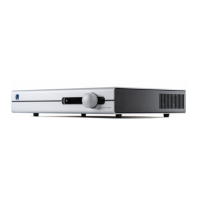
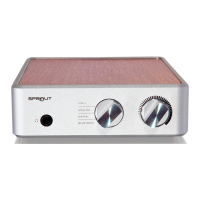
Headphones. Plugging a pair of headphones into Sprout’s front
panel headphone connector automatically disconnects both the
loudspeaker outputs as well as the Analog outputs. In this way, Sprout
provides a truly personal listening experience for the headphone user.
Disconnecting the headphones restores the loudspeaker and Analog
Outputs.


 To Next Page