Stellar Phono Preamplifier
Operation Guide
®
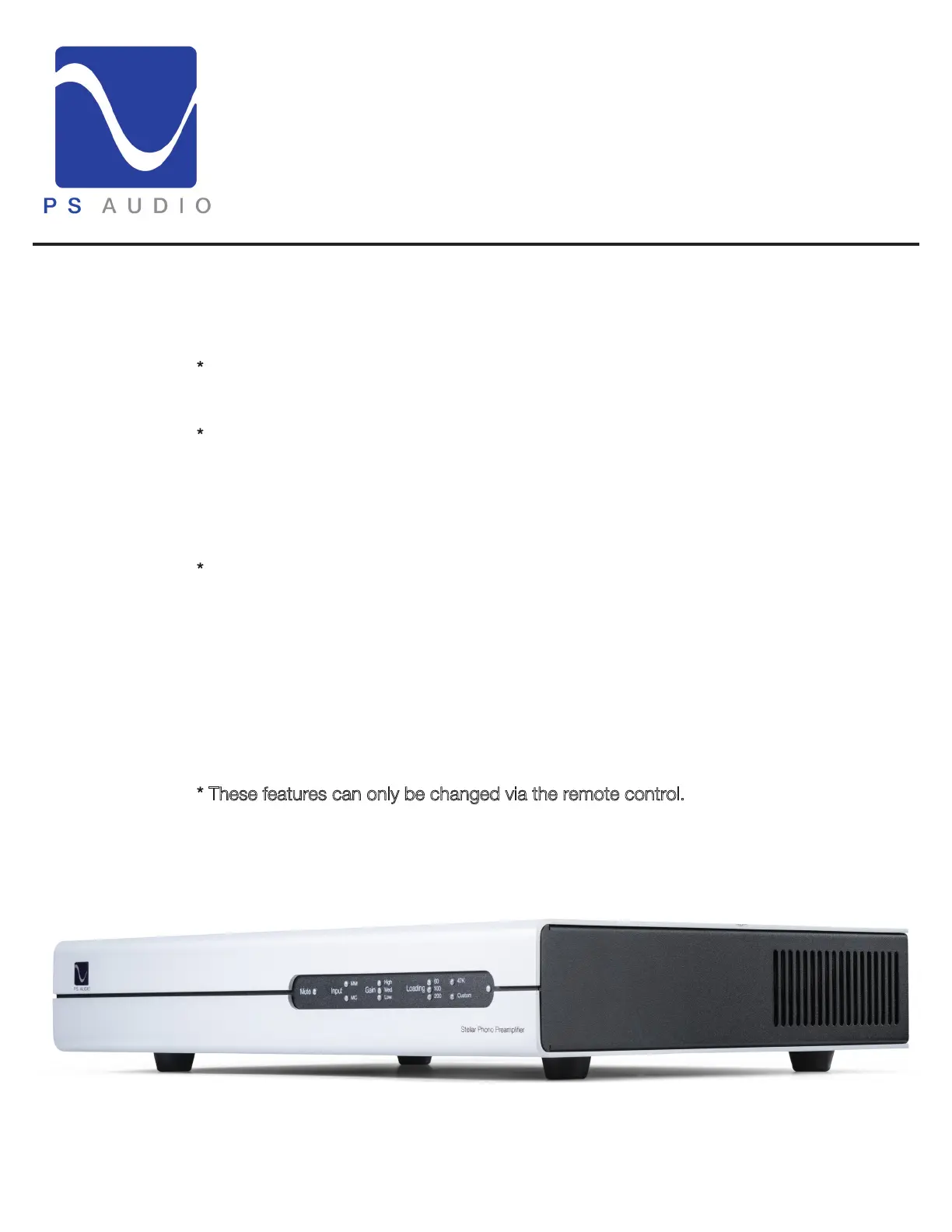
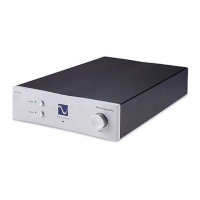
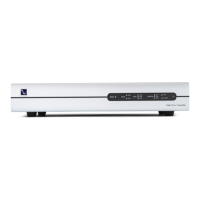
Front Panel
LEDs
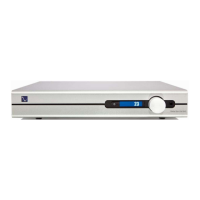
Mute - When the Mute LED is illuminated red, the Stellar Phono Preamplifier is muted.
You can activate/deactivate mute by using the remote control or holding in the front panel
PS Audio logo LED button for 3 seconds.
*Input - The Input LED indicates which input you have selected. Using the remote, you
can toggle between moving magnet (MM) and moving coil (MC) cartridge inputs.
*Gain - The Gain LED indicates the selected level of amplification. Using the remote, you
can select the correct gain setting, which is dependent on the cartridge’s output voltage.
MM: 44dB (Low), 50dB (Medium), 56dB (High)
MC: 60dB (Low), 66dB (Medium), 72dB (High)
*Loading - The Loading LED indicates the selected resistive loading. Using the remote,
you can select the correct resistive loading, which is mandatory for flat frequency
response.
MM: Resistive loading - 47KΩ fixed loading
MC: Resistive loading - 60Ω, 100Ω, 200Ω, 47KΩ, and custom loadings
The custom loading option allows you to use the potentiometers on the rear panel to
select between 1 - 1000 ohms.
* These features can only be changed via the remote control.
9


 To Next Page