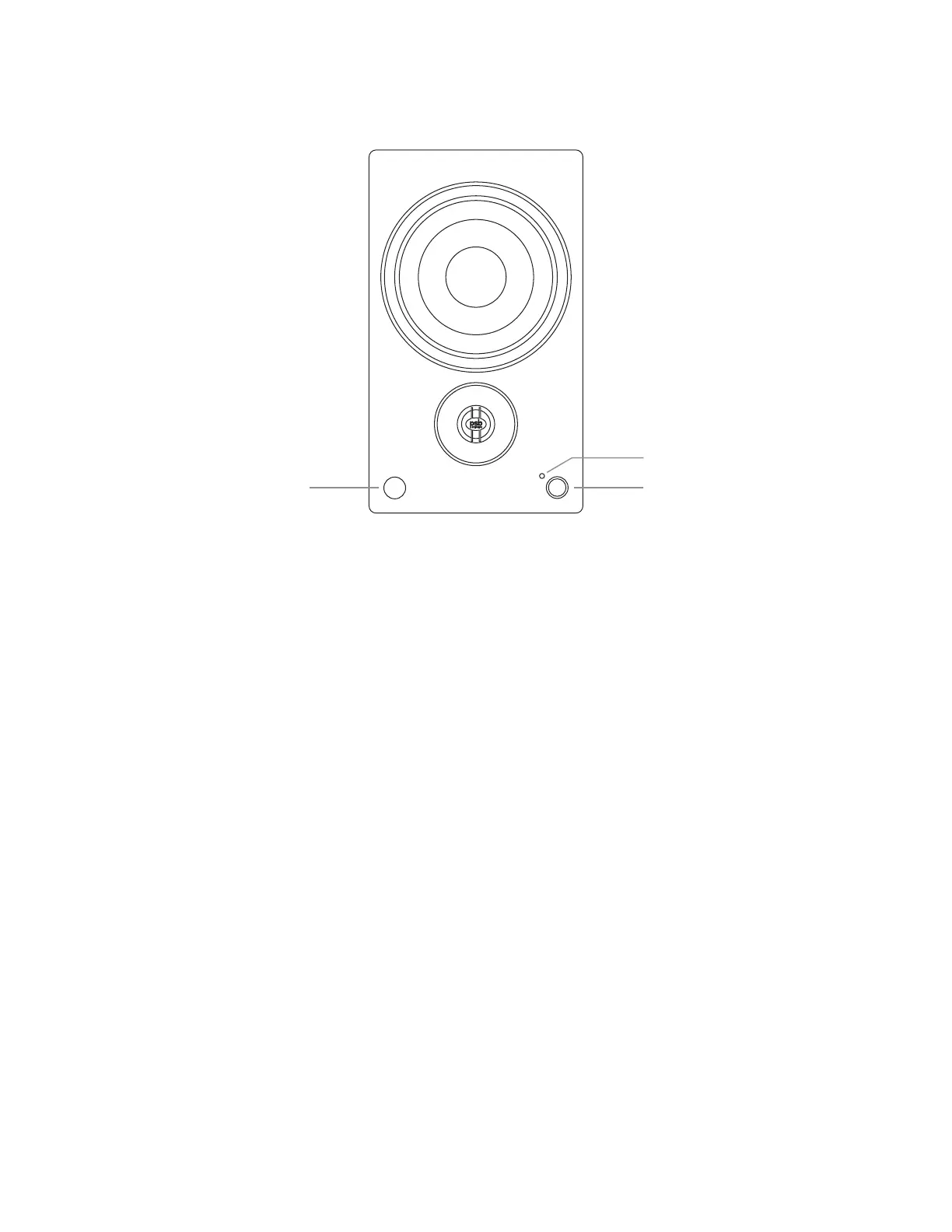
Remote Sensor Control Dial
Status Light
Status Light: Displays different colors to show: - which source is playing
- a listening mode is chosen
- maximum and minimum volume, bass and treble controls
- Bluetooth pairing mode
Control Dial: Turn: to adjust the volume
Press: to change the input
Remote Sensor: Point the remote control at the remote sensor and press the buttons. Do not expose the remote sensor of the speaker
to light source such as direct sunlight or illumination. If you do so, you may not be able to operate the speaker with the
remote control.
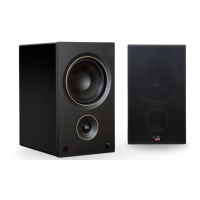
Front of the Amplified Speaker


 To Next Page