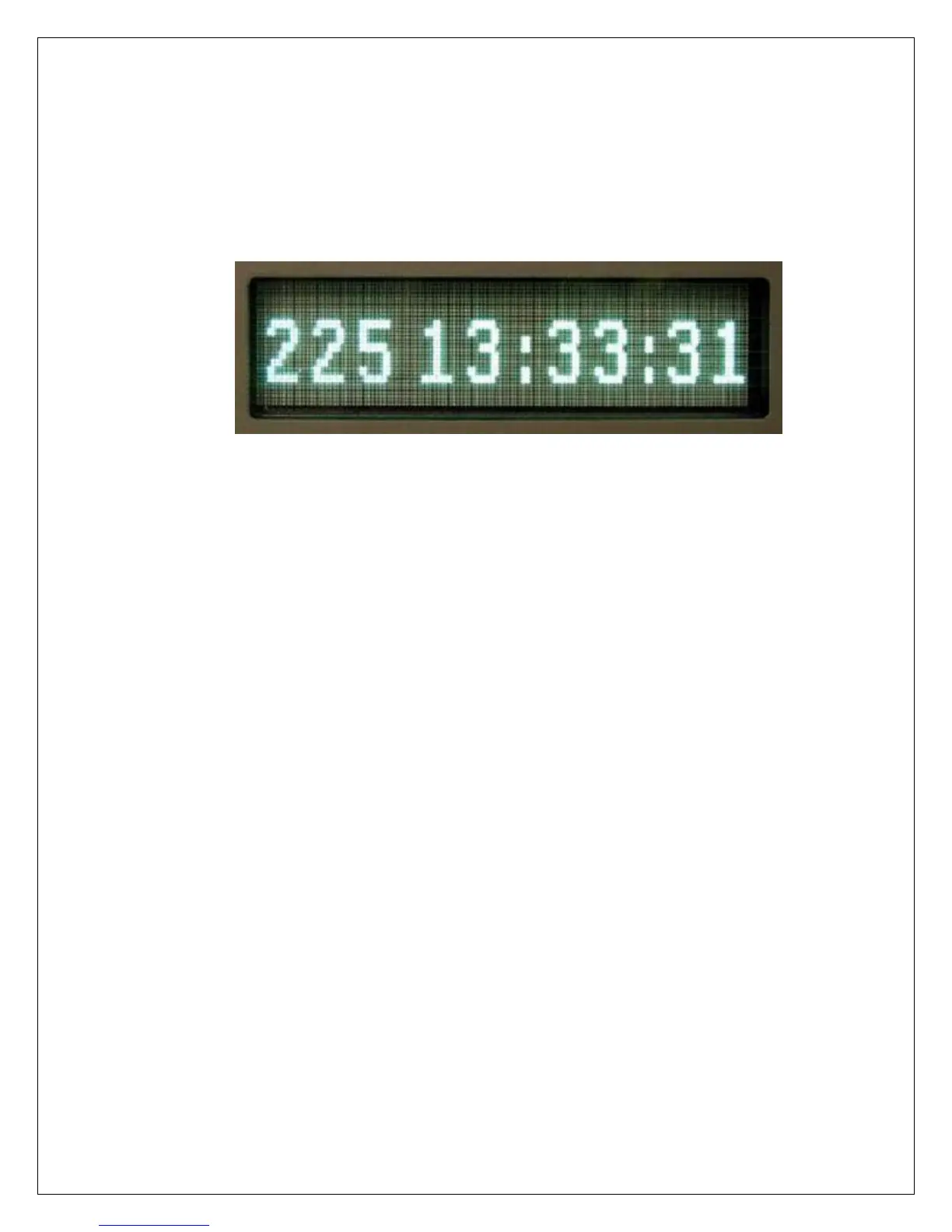
5.5.5. Normal Operating Display
During normal operation, the following is displayed on the first menu:
day of year and time
The user can toggle between this display and position by pressing F1 on
the front panel keypad. F1 shows the current fixed position. Note that this
may be different from the survey position while a position averaging is
taking place. Once the averaging is complete the surveyed position is
transferred to the fixed position.
Pressing F2 indicates what type of positioning mode is currently in use.
"FIX" is for fixed positioning mode. "CMPL" means that the position
survey has completed. A number indicates that positioning surveying is
currently being done and the number is the current average count. F2,
Screen 3, is a real-time display of the current position average.
5.5.6. SETUP Menus
The parameters are setup by scrolling through the menus.
Conventions used in this manual are as follows:
< key description > represents a key press
[ xxxxxxxxxx ] represents data entry
( abcdefg ) description of display
<▲> Up arrow
<▼> Down arrow
<►> Forward arrow
<◄> Back arrow


 To Next Page
 Loading...