Page 2 of 6
Rev 1.0 9/20
Quick Start
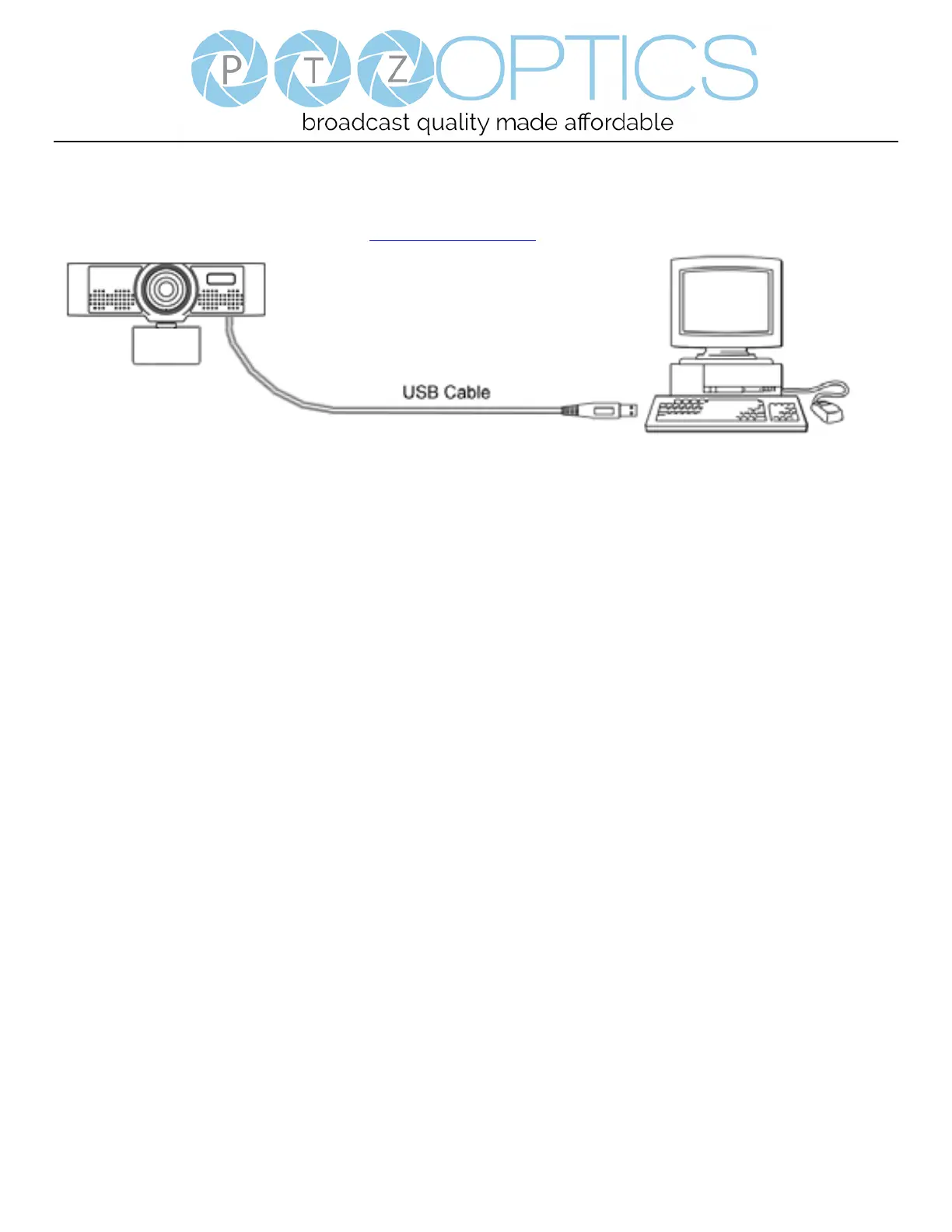
Start by connecting the USB 2.0 cable to your Mac or PC to power on and use the camera. You can adjust the video feed through
the Webcam v2 Configuration Tool available at ptzoptics.com/downloads.
Features
1. Supports up to 1080p-30/25 fps with a wide 80° field of view.
2. Plug and play USB 2.0 video & audio connectivity.
3. Built in microphone array with unique noise reduction algorithm to accurately present your voice up to 15 feet away.
4. Wide Dynamic Range to deliver high quality video during various lighting environments.
5. Features star-level CMOS sensor and 2D/3D noise reduction algorithm, delivering ultra-high SNR for optimized noise
reduction. 55dB SNR for clear video in low light environments.
6. EPTZ – Electronic Pan/Tilt/Zoom up to 8x
7. Webcam v2 Configuration Tool



 To Next Page