Need help?
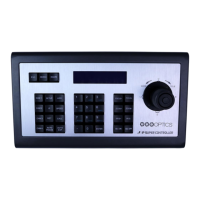
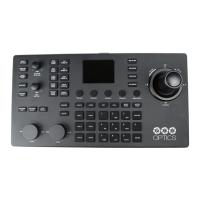
Do you have a question about the PTZOptics PT-JOY-G4 and is the answer not in the manual?
Covers safety precautions like avoiding moisture and operating within specified temperature ranges.
Details power supply polarity requirements and safe handling practices during transport and operation.
Explains how to power the joystick and configure network connections, including static IP setup.
Describes controls for adjusting camera speed, Red/Blue gain, and focus modes.
Details how to open, navigate, select, and back out of the camera's on-screen display menu.
Explains controls for exposure, white balance modes, and selecting cameras.
Describes the main joystick operation for pan/tilt/zoom and the fine-tune zoom dial.
Details how to access and adjust the controller's own OSD menu settings.
Covers backlight compensation, one-push white balance, focus lock, and preset control.
Step-by-step guide to adding network cameras using the joystick's OSD setup menu.
Step-by-step guide to adding analog cameras using the joystick's OSD setup menu.
Instructions on how to access the controller's web UI and modify camera settings.
Explains how to navigate the joystick's OSD menu and lists available configuration options.
Addresses 'Control Failure' on display and issues with the joystick not controlling cameras.
Solves issues with multiple cameras being controlled at once and camera movement anomalies.
 General
| Brand | PTZOptics |
|---|---|
| Model | PT-JOY-G4 |
| Category | Controller |
| Language | English |

 To Next Page