PUDU ROBOTICSPUDU ROBOTICS
21
Forced power-o:
Press and hold the power switch for 10 seconds.
3.2 Charging
The robot can be charged by charger and charging pile.
Charge by charger:
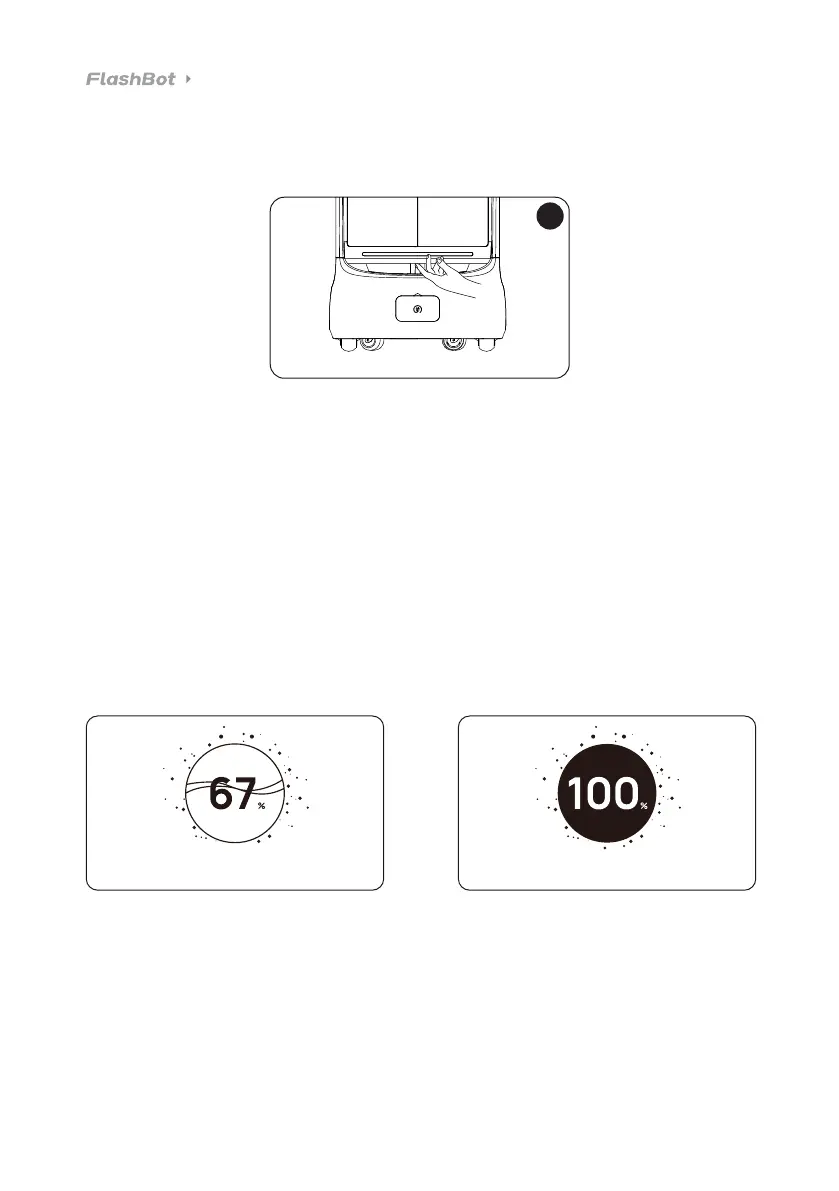
Plug the charging cable into the charging port of the robot and secure the connection. During charging,
if the robot is powered on, the screen displays Charging; if it is powered o, the light strip illuminates.
Charge by charging pile:
By tapping the One-tap Charge icon, the robot automatically performs the charging task; you can also
charge the robot by pushing the robot to the charging pile and aligning the charging electrode plates
on the robot with the ones on the charging pile. During charging, if the robot is powered on, the screen
displays Charging; if it is powered o, the light strip illuminates.
10s



 To Next Page