PUDU ROBOTICSPUDU ROBOTICS
22
Light display and battery indication:
Battery indication Light Display
0-30%
30-60%
60-90%
90-100%
100%
0-30%
30-60%
60-90%
90-100%
Fully charged
The robot cannot enter a paused state when it is waiting for or riding an elevator.
If no operations are performed during the pause, the robot will proceed with its previous task
During the pause, an administrator authentication is required to modify tasks.
Pause:
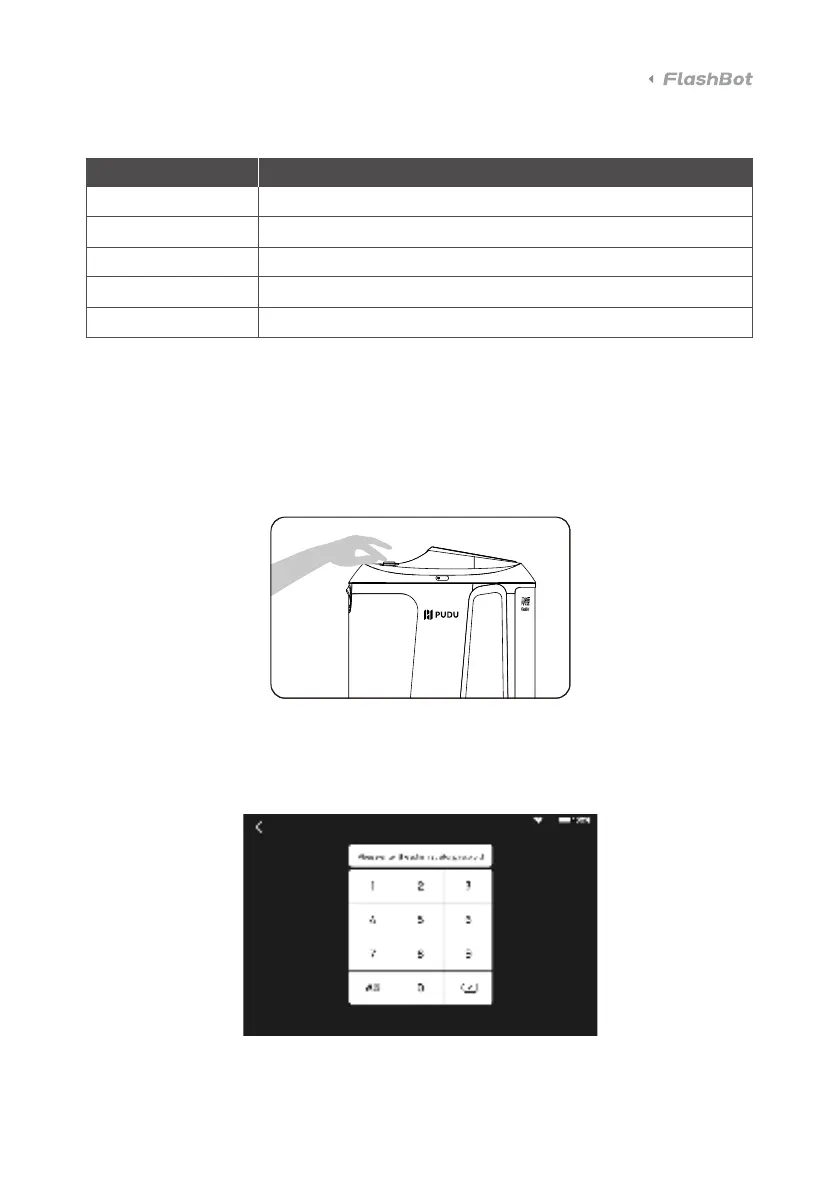
When the robot is working, press the emergency stop switch to pause the robot.
3.3 Operations



 To Next Page