IRDA-WELDER T-890 USER MANUAL
Http://www.tech168.cn
5
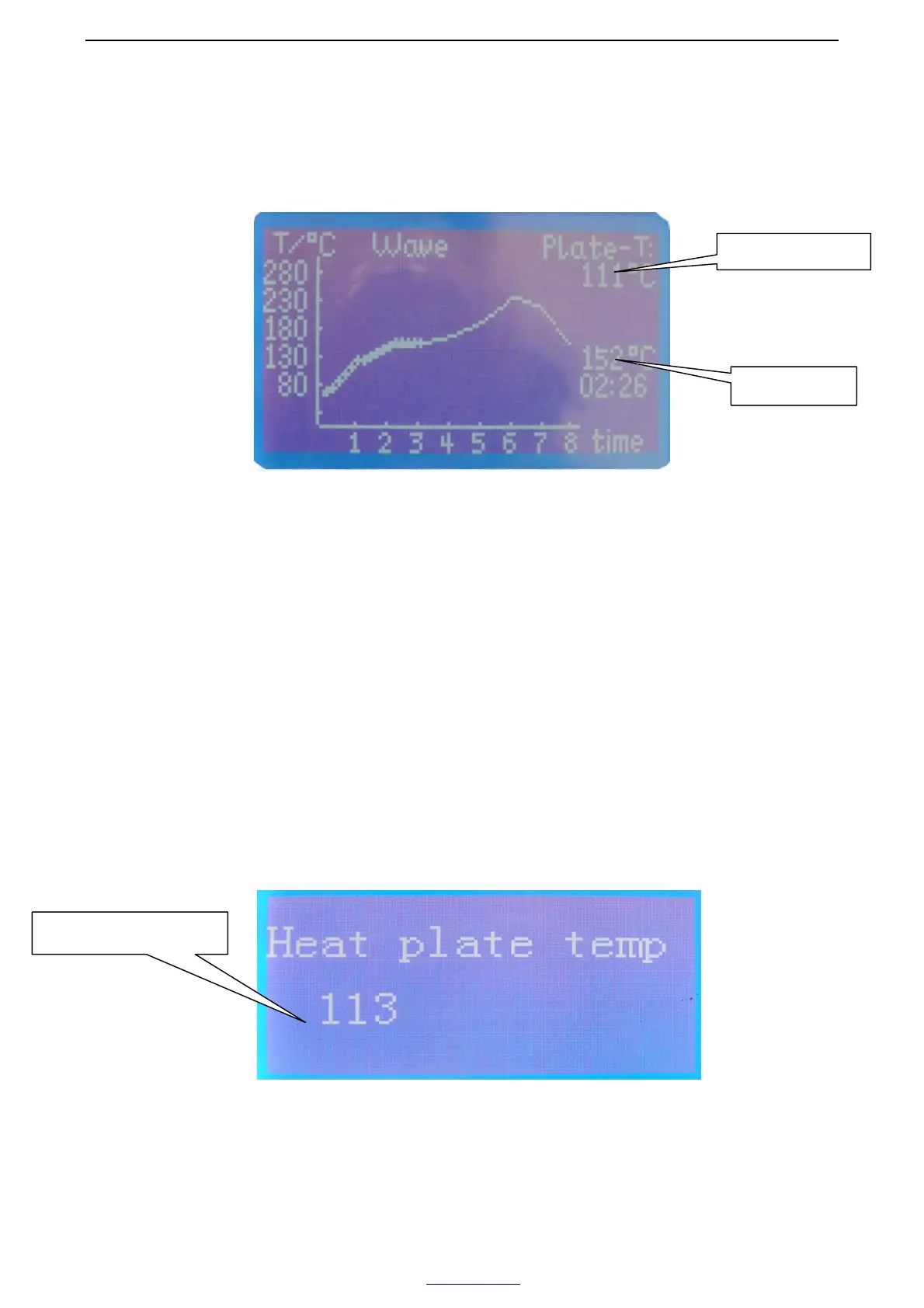
4). Press “F2” button, the infrared lamp start to heat up as the presupposed
temperature wave.
5-3:the LCD screen display page
5). When the process finished, return the previous page automatic. If you want to stop
in the process, press “F3” button.
2. The wave selection and setting
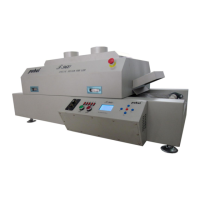
1). Press “F2” button enters to the select/set page, firstly, set the preheating chassis
preheat temperature, press “F3/F4” buttons up and down to select different
temperature, press “F1” button to save. When save succeed, the LCD screen displays
as follows:
2). Press “F5” button, come to the Main Manu page, press “F2” button enters to the
select/set page, the LCD screen displays as follows:
The preheater temp
The lamp temp
The preheater temperature


 To Next Page