IRDA-WELDER T-890 USER MANUAL
Http://www.tech168.cn
6
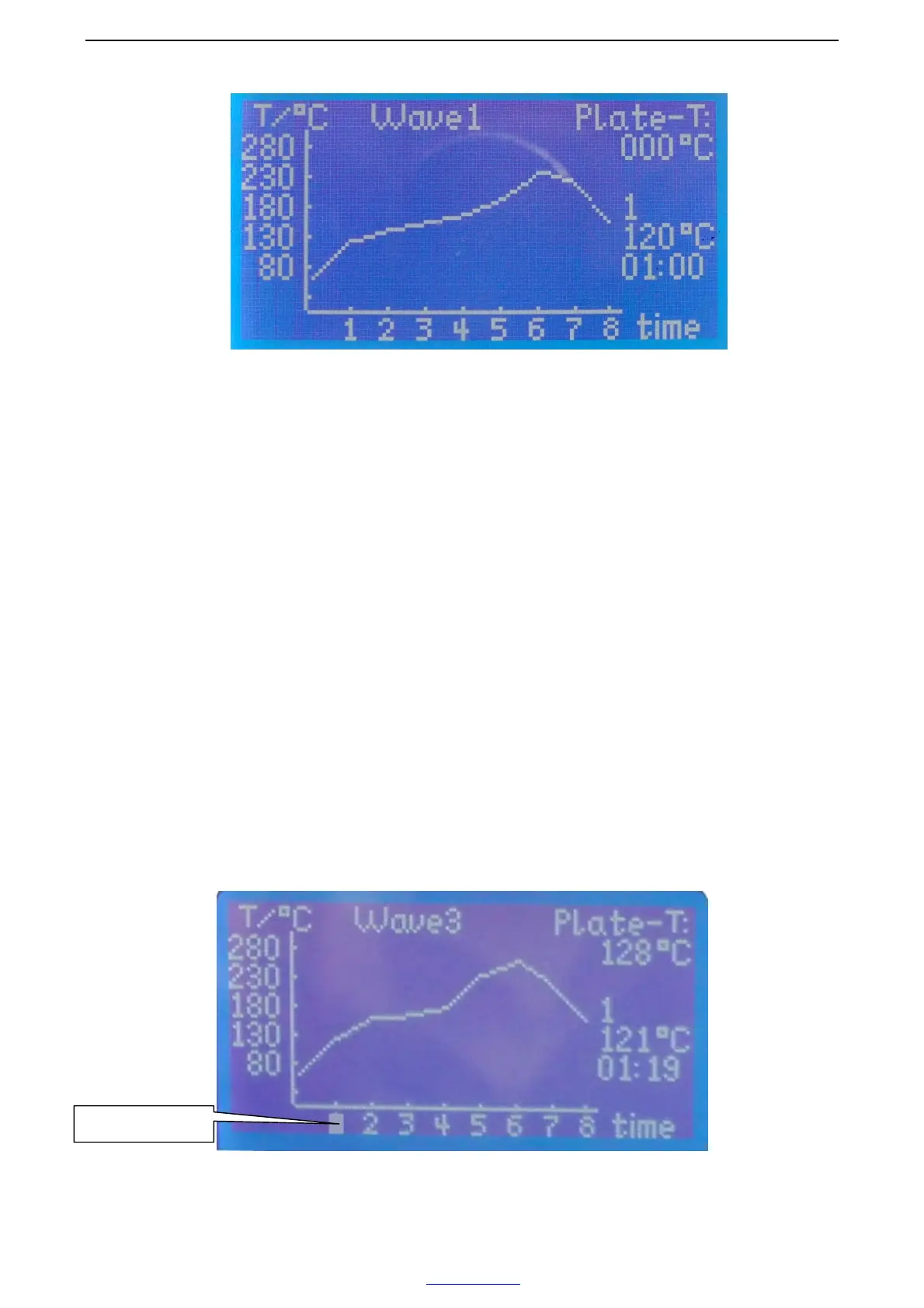
3). Press “F2” button enters to the select/set page, following we provide eight
different wave cycles, please choose one according to your request, press “F1” to
confirm the wave you choose, press “F2” button, come to the Main Manu page
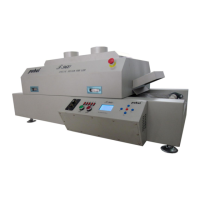
4). If you want to reset the wave, press “F5” button, when it flicker the grid, you can
set. Press “F3/F4” buttons up and down to select different temperature, press “F1/F2”
buttons forward and backward to select different time, press “F5” button to save.(the
grid disappear, change to the previous flicker status), press “F4” button come to next
Segment, the same method to set the wave, press “F1” button to save the current
wave.
The flicker grid


 To Next Page