72-910-02
REV. P
10
4.2 System Functions
Bleed
The bleed LED will light when the bleed relay is energized in normal
operation or when the controller is displaying the bleed limit time setting.
When in programming mode this LED will flash indicating it is okay to
change the bleed limit time setting.
uS
The uS LED will light when the controller is displaying the system
conductivity reading. The controller displays this during normal operation or
when there has been no button activity for 30 seconds. When calibrating the
probe this LED will flash indicating it is okay to change the probe
conductivity value.
Set Point
The set point LED will light when the controller is displaying the
conductivity set point. The set point is the conductivity value that will
energize the Bleed and Dose relays. When in programming mode this LED
will flash indicating it is okay to change the set point setting.
Feed
This LED will light when the “Dose” or feed relay is energized. When in
programming mode this LED will flash indicating it is okay to change the
feed limit time setting.
Mode Selection
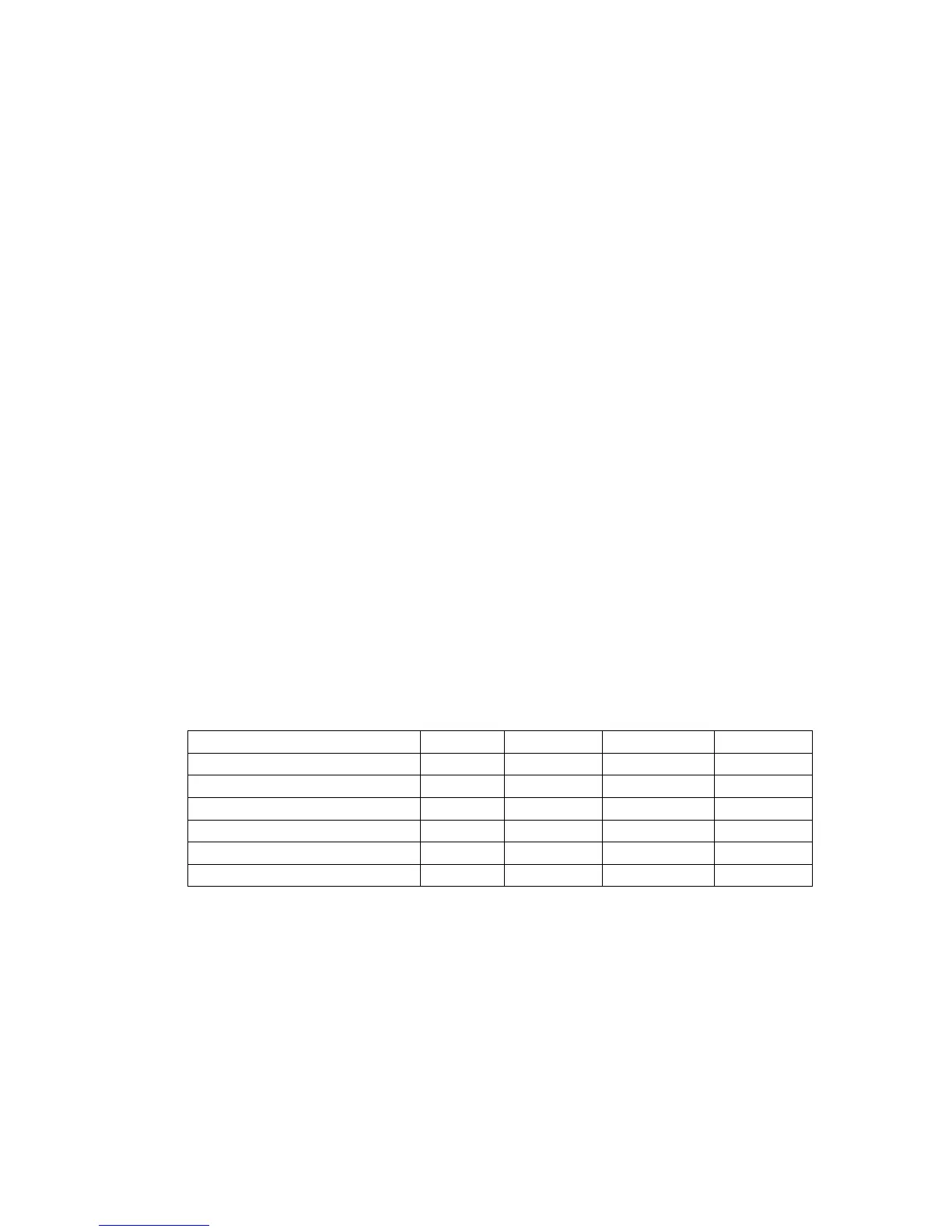
The controller’s mode of operation is selected by the switch settings of SW1
located on the PC board, see Fig. 3.
LIMIT TIMER
*OFF *OFF *OFF
X
WATER METER OFF OFF ON X
% POST BLEED OFF ON OFF X
PERCENT TIMER ON OFF OFF X
FALLING SET POINT X X X OFF
RISING SET POINT X X X
*ON
* DEFAULT SETTING – limit timer with a rising set point.



 To Next Page