EasyManua.ls Logo

Pulsar KRYPTON 2 - Page 53

Pulsar KRYPTON 2
73 pages
Print Icon
To Next Page IconTo Next Page
To Previous Page IconTo Previous Page
Loading...
Video
Mode
.
Video
Recording
1.
Switch
to
Video
mode
by
pressing
and
holding
the
UP
/
REC
5.
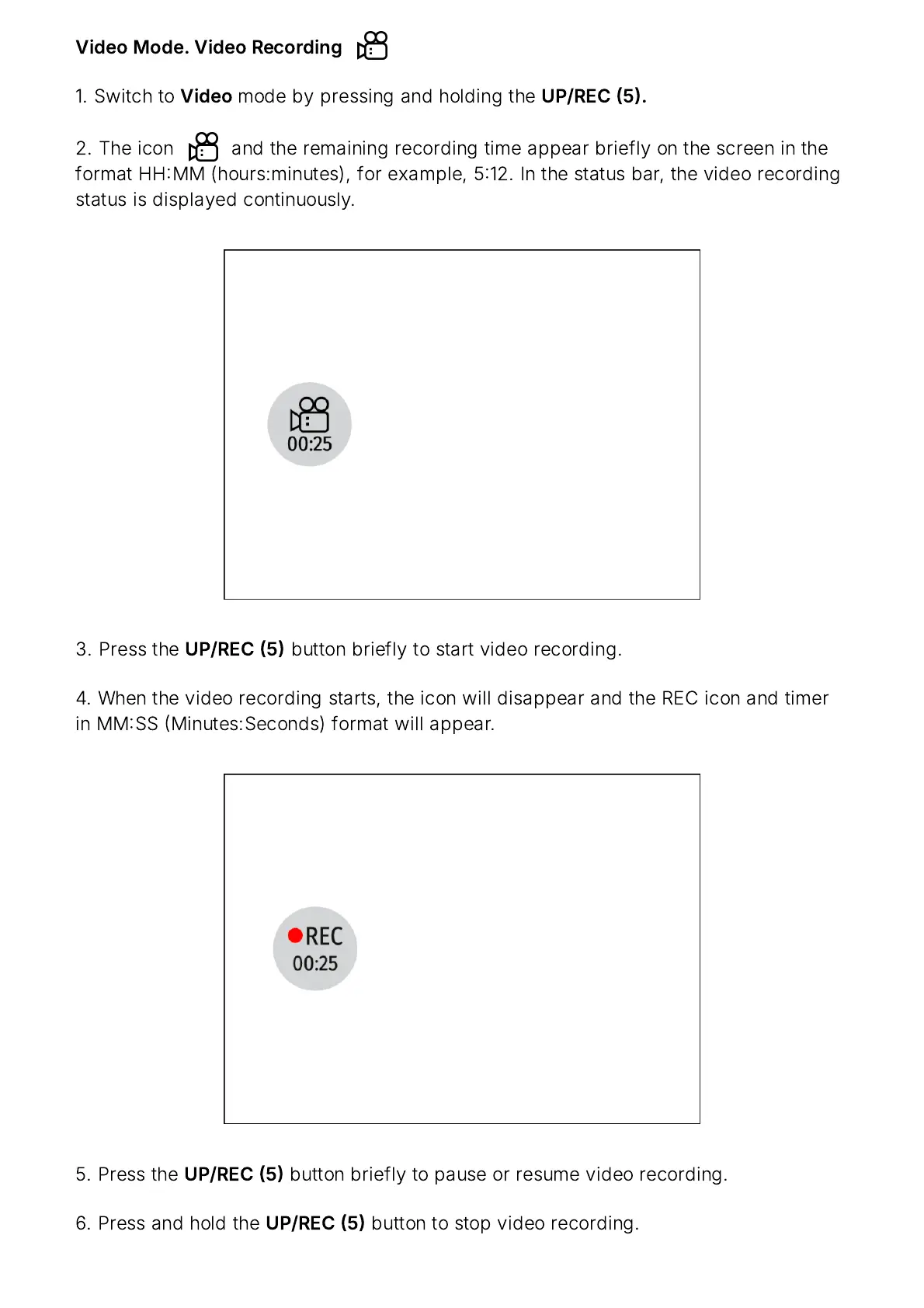
2.
The
icon and
the
remaining
recording
time
appear
briefly
on
the
screen
in
the
format
HH
MM
(
hours
:
minutes
),
for
example
, 512.
In
the
status
bar
,
the
video
recording
status
is
displayed
continuously
.
3.
Press
the
UP
/
REC
5
button
briefly
to
start
video
recording
.
4.
When
the
video
recording
starts
,
the
icon
will
disappear
and
the
REC
icon
and
timer
in
MM
SS
Minutes
:
Seconds
)
format
will
appear
.
5.
Press
the
UP
/
REC
5
button
briefly
to
pause
or
resume
video
recording
.
6.
Press
and
hold
the
UP
/
REC
5
button
to
stop
video
recording
.

Related product manuals