EasyManua.ls Logo

Pulsar KRYPTON 2 - Page 57

Pulsar KRYPTON 2
73 pages
Print Icon
To Next Page IconTo Next Page
To Previous Page IconTo Previous Page
Loading...
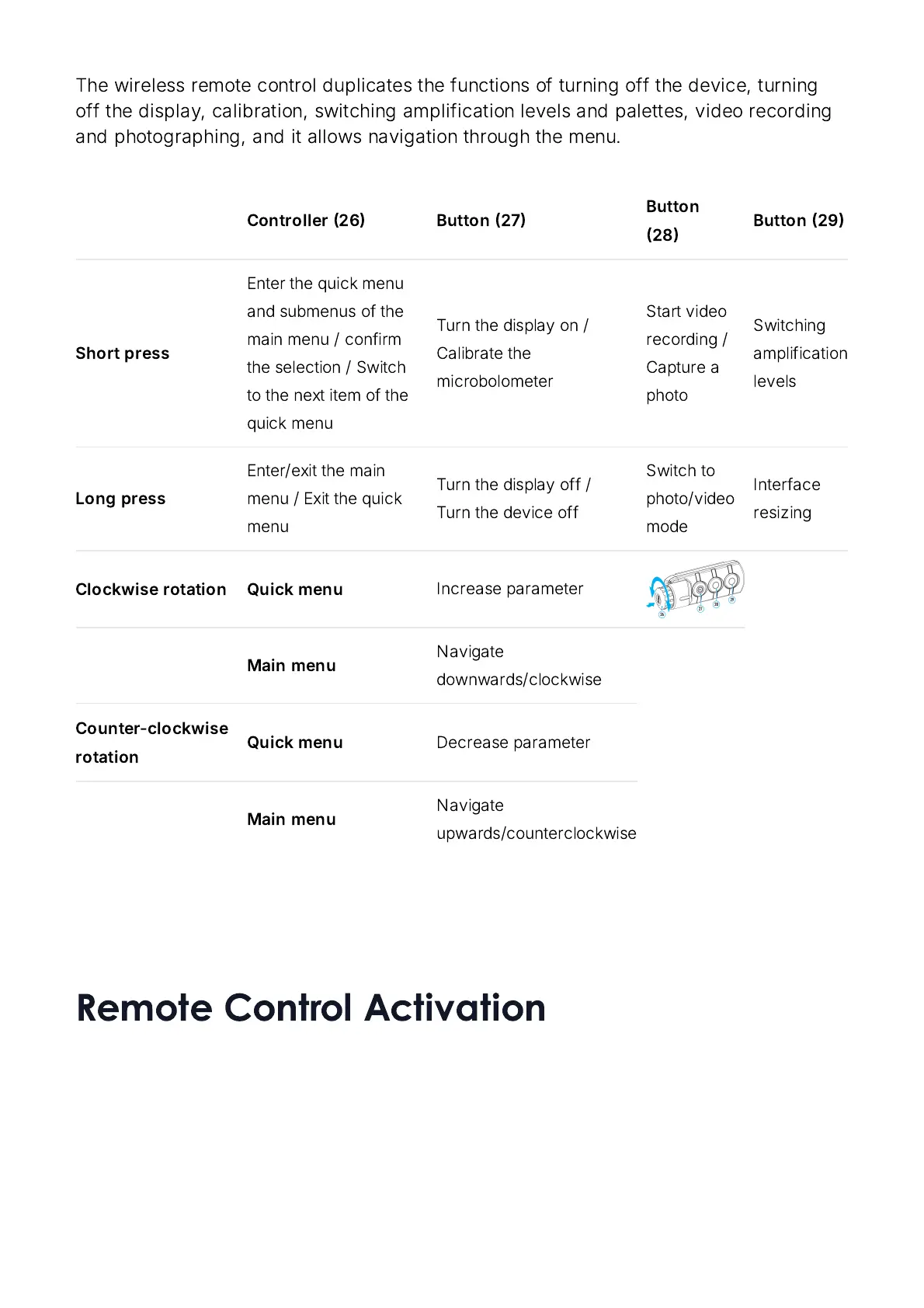
The
wireless
remote
control
duplicates
the
functions
of
turning
off
the
device
,
turning
off
the
display
,
calibration
,
switching
amplification
levels
and
palettes
,
video
recording
and
photographing
,
and
it
allows
navigation
through
the
menu
.
Controller
26
Button
27
Button
28
Button
29
Short
press
Enter
the
quick
menu
and
submenus
of
the
main
menu
/
confirm
the
selection
/
Switch
to
the
next
item
of
the
quick
menu
Turn
the
display
on
/
Calibrate
the
microbolometer
Start
video
recording
/
Capture
a
photo
Switching
amplification
levels
Long
press
Enter
/
exit
the
main
menu
/
Exit
the
quick
menu
Turn
the
display
off
/
Turn
the
device
off
Switch
to
photo
/
video
mode
Interface
resizing
Clockwise
rotation Quick
menu
Increase
parameter
Main
menu
Navigate
downwards
/
clockwise
Counter
-
clockwise
rotation
Quick
menu
Decrease
parameter
Main
menu
Navigate
upwards
/
counterclockwise
Remote Control Activation

Related product manuals