EasyManua.ls Logo

Pulsar TELOS - Page 61

Pulsar TELOS
78 pages
Print Icon
To Next Page IconTo Next Page
To Previous Page IconTo Previous Page
Loading...
2.
Activate
the
rangefinder
by
pressing
the
DOWN
/
LRF
12
button
briefly
.
A
red
mark
appears
on
the
display
.
3.
Place
the
rangefinder
ʼ
s
reticle
on
the
target
.
Press
the
DOWN
/
LRF
12
button
briefly
to
measure
the
distance
to
the
object
once
.
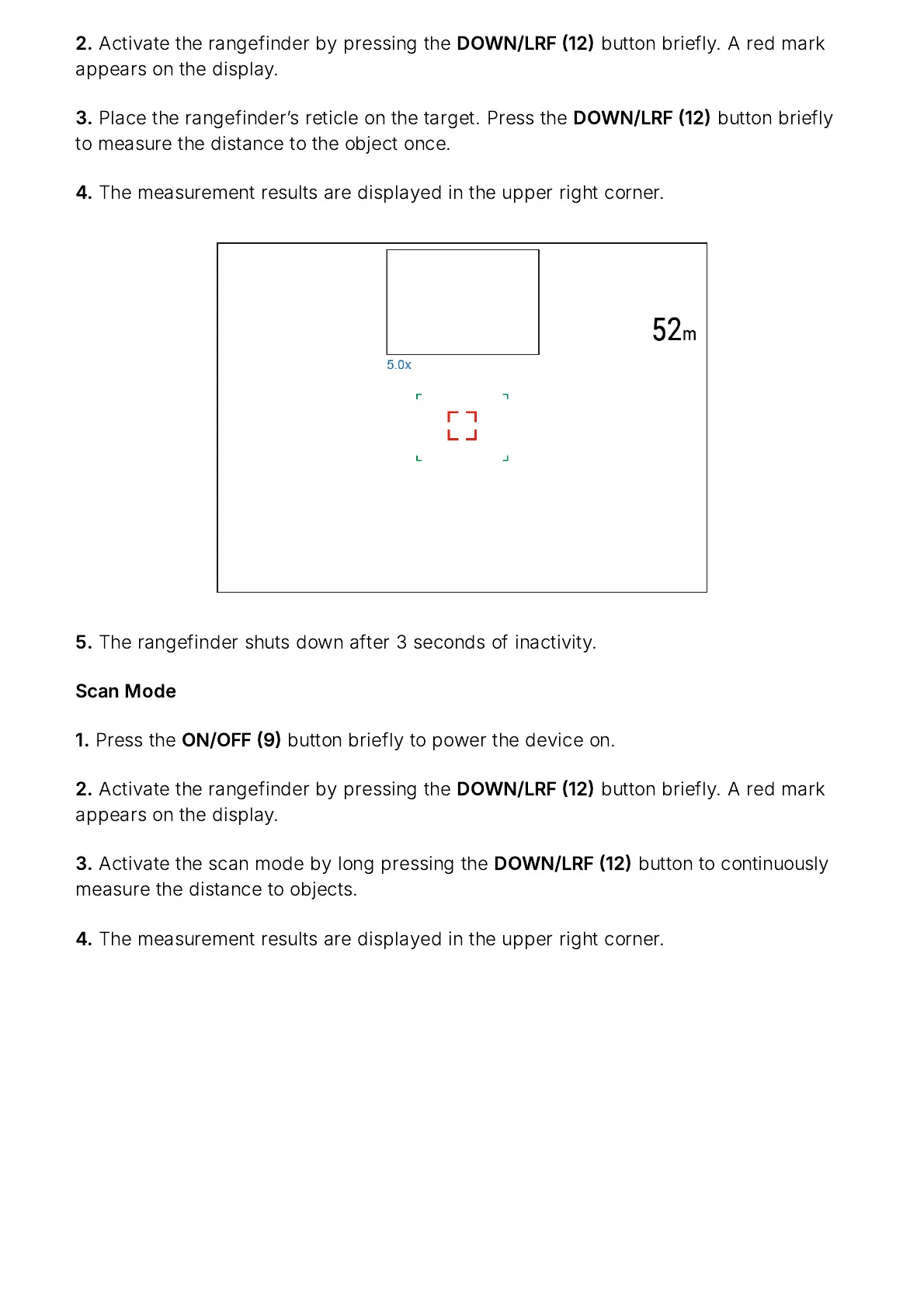
4.
The
measurement
results
are
displayed
in
the
upper
right
corner
.
5.
The
rangefinder
shuts
down
after
3
seconds
of
inactivity
.
Scan
Mode
1.
Press
the
ON
/
OFF
9
button
briefly
to
power
the
device
on
.
2.
Activate
the
rangefinder
by
pressing
the
DOWN
/
LRF
12
button
briefly
.
A
red
mark
appears
on
the
display
.
3.
Activate
the
scan
mode
by
long
pressing
the
DOWN
/
LRF
12
button
to
continuously
measure
the
distance
to
objects
.
4.
The
measurement
results
are
displayed
in
the
upper
right
corner
.

Related product manuals