EasyManua.ls Logo

Pulsar TELOS - Page 62

Pulsar TELOS
78 pages
Print Icon
To Next Page IconTo Next Page
To Previous Page IconTo Previous Page
Loading...
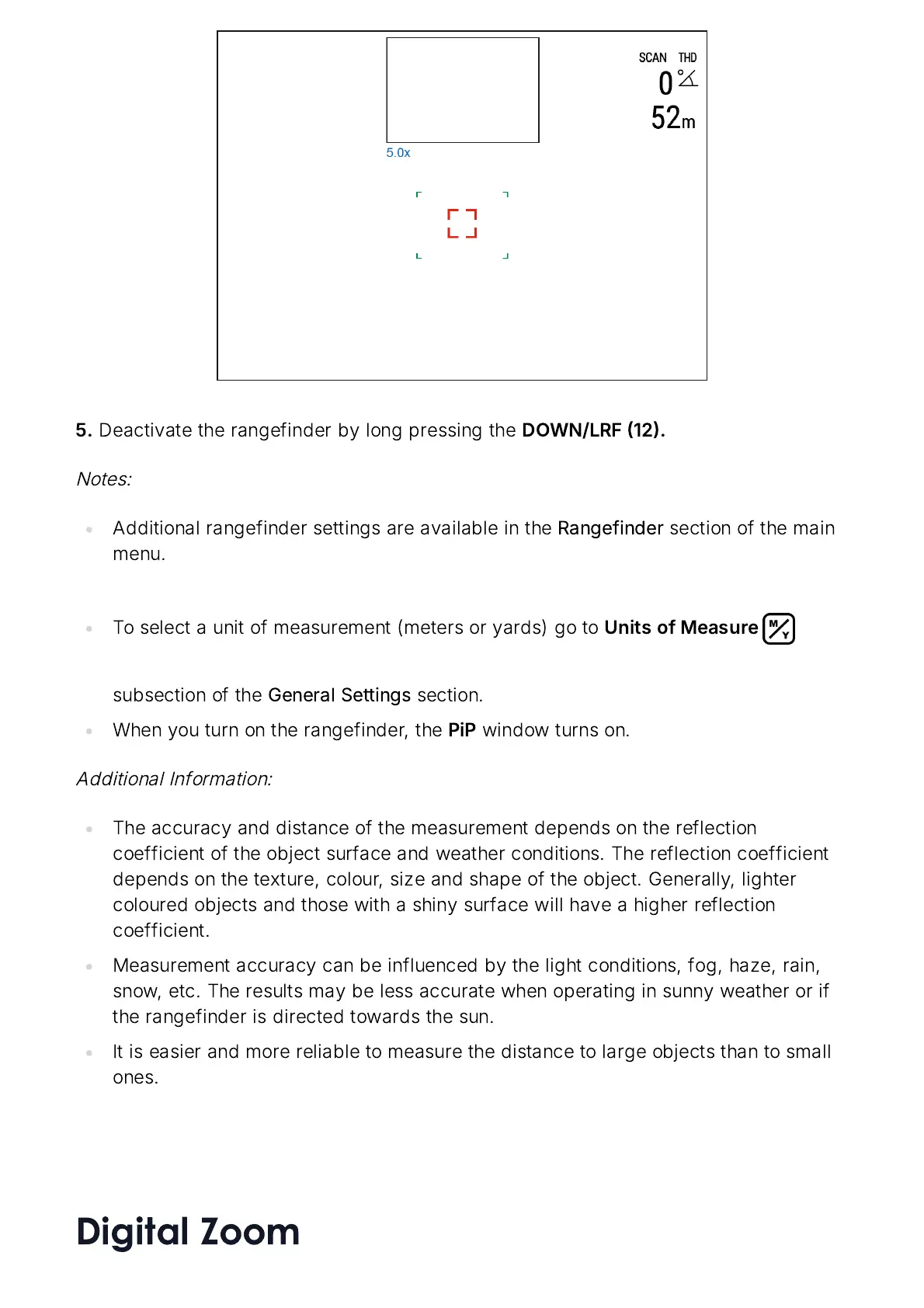
5.
Deactivate
the
rangefinder
by
long
pressing
the
DOWN
/
LRF
12.
Notes
:
Additional
rangefinder
settings
are
available
in
the
Rangefinder
section
of
the
main
menu
.
To
select
a
unit
of
measurement
(
meters
or
yards
)
go
to
Units
of
Measure
subsection
of
the
General
Settings
section
.
When
you
turn
on
the
rangefinder
,
the
PiP
window
turns
on
.
Additional
Information
:
The
accuracy
and
distance
of
the
measurement
depends
on
the
reflection
coefficient
of
the
object
surface
and
weather
conditions
.
The
reflection
coefficient
depends
on
the
texture
,
colour
,
size
and
shape
of
the
object
.
Generally
,
lighter
coloured
objects
and
those
with
a
shiny
surface
will
have
a
higher
reflection
coefficient
.
Measurement
accuracy
can
be
influenced
by
the
light
conditions
,
fog
,
haze
,
rain
,
snow
,
etc
.
The
results
may
be
less
accurate
when
operating
in
sunny
weather
or
if
the
rangefinder
is
directed
towards
the
sun
.
It
is
easier
and
more
reliable
to
measure
the
distance
to
large
objects
than
to
small
ones
.
Digital Zoom

Related product manuals