English
13
AUTO ILLUMINATION FUNCTION
Cal. W671
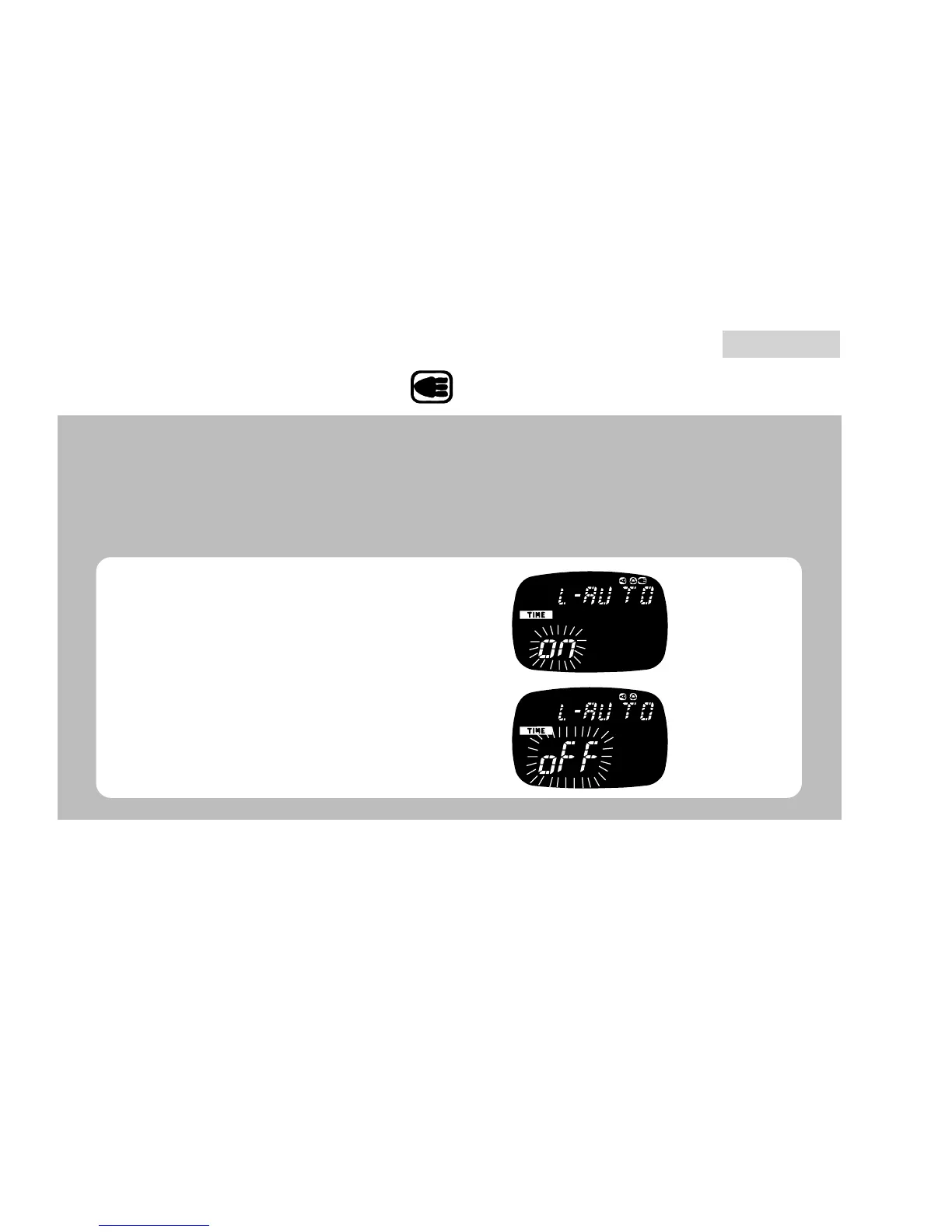
When AUTO ILLUMINATION FUNCTION is turned on:
● The display is illuminated with each press of a button to operate the watch.
● While the stopwatch or timer is counting, the display is illuminated every
minute to signal the lapse of time: For the first 19 minutes in the stopwatch
function and for the last 19 minutes in the timer function.
Press for 2 to 3 seconds.
B
▲
D
▲
B
The
function
is on.
The
function
is off.
Turn on/off the AUTO
ILLUMINATION FUNCTION.
Return to TIME/CALENDAR
mode.



 To Next Page