EasyManua.ls Logo

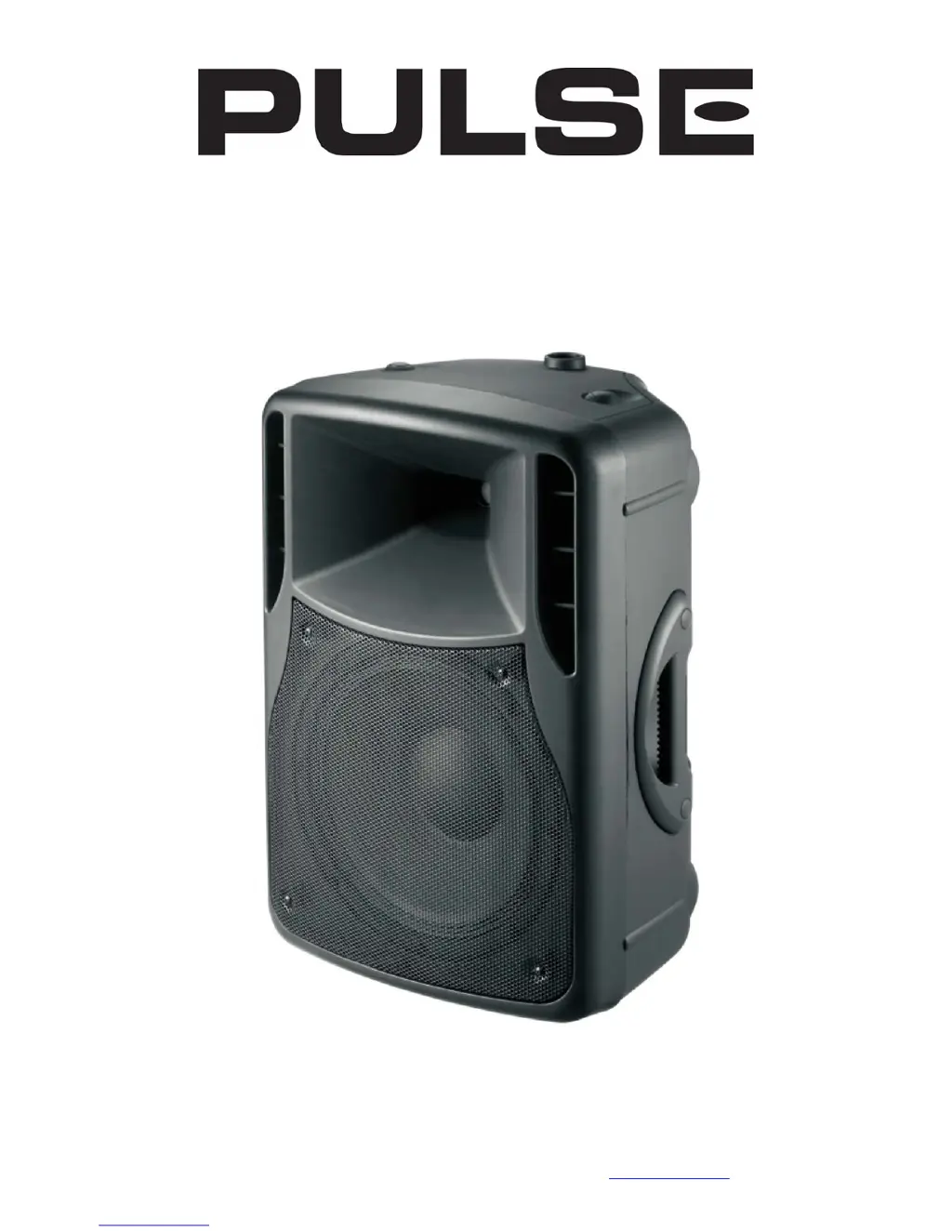
Pulse APS12PA - User Manual

Pulse APS12PA
5 pages
Print Icon
To Next Page IconTo Next Page
Loading...
www.pulse-audio.co.uk | APS PA Series User Manual
APS Series Portable PA System
APS12PA & APS15PA

Questions and Answers

Summary

Safety and Operation

Safety Precautions

Essential safety guidelines for using the PA system, including warnings and precautions.

Unit Placement and Cleaning

Advice on positioning, storing, and maintaining the unit to ensure proper function and longevity.

Powering Up the Unit

Step-by-step guide to connect and activate the portable PA system for the first time.

Controls and Features

Panel Control Identification

Overview of all buttons, knobs, indicators, and ports on the unit's control panel.

Audio Input and Wireless Operation

VHF Wireless Microphone Usage

Instructions for setting up and operating the included wireless microphones.

External Audio Inputs

Guide for connecting wired microphones and other audio sources via line inputs.

Internal Media Player

How to use the built-in USB/SD/FM player and its controls.

Connectivity and Specifications

Bluetooth Connection

Steps for pairing and connecting audio devices via Bluetooth.

Technical Specifications

Key technical details, dimensions, and performance data for the PA units.

Troubleshooting

Common issues and solutions for the portable PA system.

Pulse APS12PA Specifications

General IconGeneral
Frequency Response50Hz - 20kHz
Impedance8 Ohms
Enclosure TypeBass Reflex
Size12-inch
InputsXLR, RCA
TypeActive PA Speaker
Driver12-inch Woofer

Related product manuals