4
Wait until Chronos CD completes an Autotune for available digital radio stations
(about one minute).
Autotune... 45
Pop radio
text the show on
Uncoil the aerial wire and hang it vertically, then connect the mains adapter to the
bottom of the unit as shown.
1
Plug the mains adapter into the mains supply.
2
Chronos CD has four available languages: English, French, German and Italian.
Press Menu, then use the Navigation dial to scroll to Language and push to
confirm. Choose your Language using the Navigation dial and push to confirm. The
language will change immediately.
5
Language
Deutsch
Setting up
Source
Volume
Presets
Menu
Stations
Alarms
Sleep
Aux-in
4
Press the Standby button , if necessary, to switch the unit on.
3
9V DC
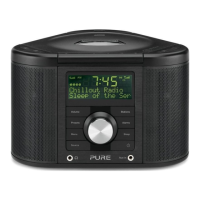
Chronos CD
Series 2


 To Next Page
 Loading...