
 Need help?
Do you have a question about the PURE SIESTA and is the answer not in the manual?
Step-by-step guide for initial radio setup, including aerial, power, and energy saving.
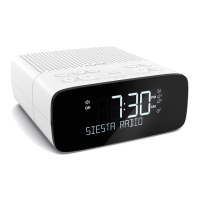
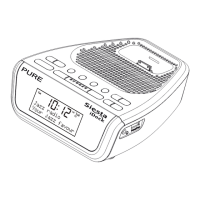
Identifies buttons, ports, and connections on the radio unit.
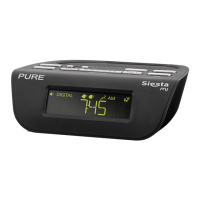
Explains icons and indicators displayed on the radio screen.
How to toggle between DAB and FM radio reception modes.
Instructions for tuning into DAB and FM radio stations.
Guide to saving and recalling favorite DAB and FM radio stations.
A brief overview of how to set alarms on the radio.
Detailed, sequential instructions for configuring radio alarms.
How to modify existing alarm settings.
Procedures to stop or temporarily silence active alarms.
Adjusting the duration of the snooze function.
How to configure the radio to turn off automatically.
Details on accessing text-based information services.
Configuration for DAB-specific features like Intellitext, DRC, and station lists.
Settings for FM, power saving, upgrades, and clock configuration.
Solutions for common radio problems, including reset and station issues.
Detailed technical information about the radio's hardware and features.
 General
| Radio | DAB/DAB+/FM |
|---|---|
| Sleep Timer | Yes |
| Snooze Function | Yes |
| Power Supply | Mains powered |
| Alarms | 2 |
| Presets | 20 |




 To Next Page
