EasyManua.ls Logo

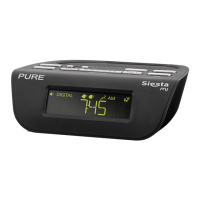
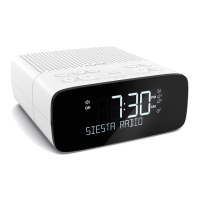
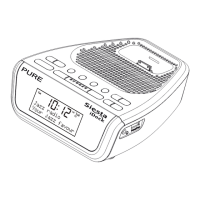
PURE SIESTA - Radio Controls and Display; Control Panel Overview; Screen Symbols Explained

PURE SIESTA
20 pages
Print Icon
To Next Page IconTo Next Page
To Previous Page IconTo Previous Page
Loading...
3
Start
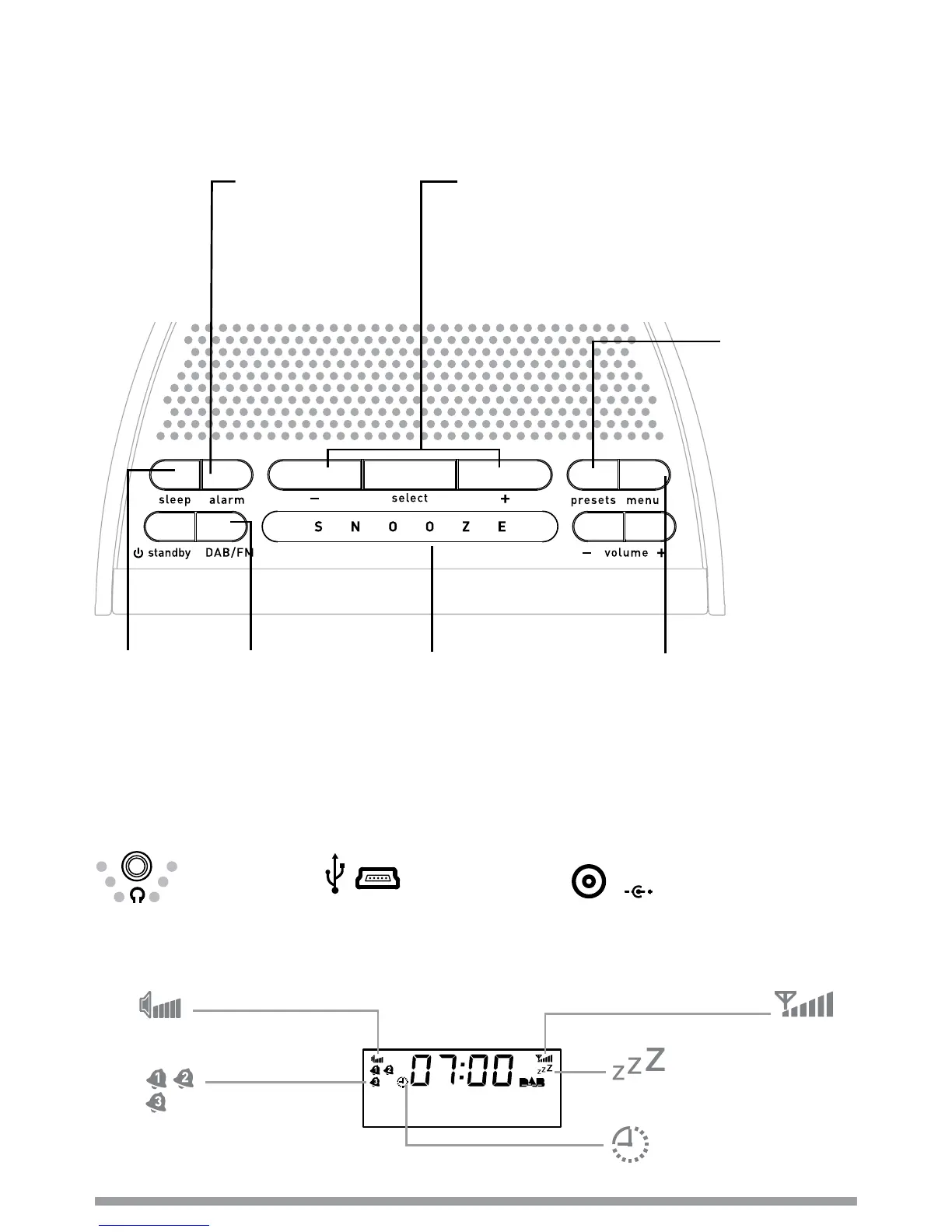
Snoozed alarm > page 8
SNOOZE
Snooze an alarm > page 8
presets
Store and select
preset stations
> page 8
sleep
Set sleep
timer
> page 9
alarm
Set 3 different alarms
> page 6
menu
Enter options menu
Info display > page 8
Browse Intellitext > page 9
Other options > pages 10-11
select and +/−
Browse and select radio stations > page 4
Hold down select and release to enter
textSCAN > page 4
Scroll, change and confirm menu options
DAB/FM
Switch between DAB
and FM > page 4
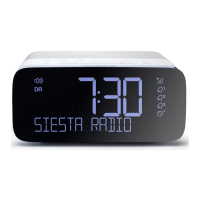
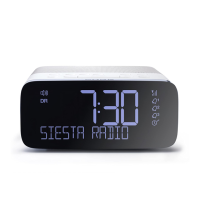
Symbols on the screen
Alarm active
indicators > page 7
Sleep timer > page 9
BBC Radio 2
Now playing: How
Signal
strength
Volume level
Top
3.5mm
headphone
socket
Underneath
USB input socket
(mini B type) for
upgrades
5.5V DC
Power input socket
for supplied 5.5V DC
mains adapter
Overview of controls and connectors

Other manuals for PURE SIESTA

Related product manuals