5. Select ‘Set days’. Choose when you want the alarm to repeat by pressing +/− to choose and
select to confirm. The following options are available:
Daily Every day.
Weekday Monday − Friday, every week.
Weekend Every weekend.
Saturday Every Saturday.
Sunday Every Sunday
Once only The alarm will sound at the time you have selected and not recur.
6. Select ‘Set Mode’ to choose the type of alarm you want: DAB, FM or Tone.
If you select DAB or FM the alarm will tune to the station that was most recently listened to.
7. Finally, for radio alarms only, set the volume of the alarm from 1 to 20.
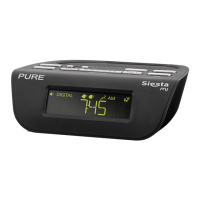
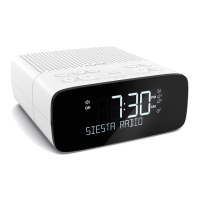
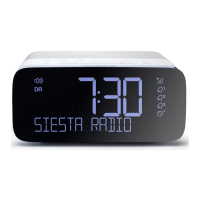
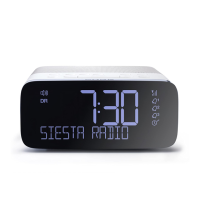
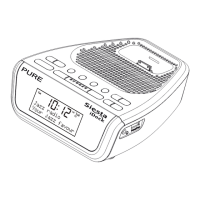
That’s it! You can easily see which alarms are currently switched on by looking at the
numbered alarm clock icons on the screen, in either active or standby mode. When an alarm
is sounding, the alarm clock icon will flash.
For example:
Changing an alarm that you have set
You can change an existing alarm by pressing alarm when Siesta is switched on or in standby
mode, selecting the alarm number and changing settings as described above.






 To Next Page
