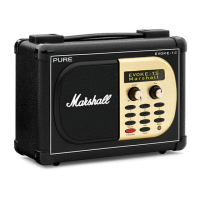
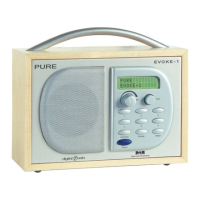
Controls
Preset Area (Evoke Spot & Play)
Note: Evoke Home has button 3 & 4 in the CD area and instead two more additional preset buttons under the
volume dial.
Display Area
CD Area (Evoke Home only)
Foldaway Display
The display can be either flipped up to access the radio’s settings or flipped down to achieve a discreet look.
When the display is facing down, it will turn itself automatically off.
Note: If you try to move the display beyond its defined end point in either direction, you can cause serious
damage to the display joint.
10
765
9
12
11
8
13 3 14 4 15
1
4
3
2



 To Next Page