2
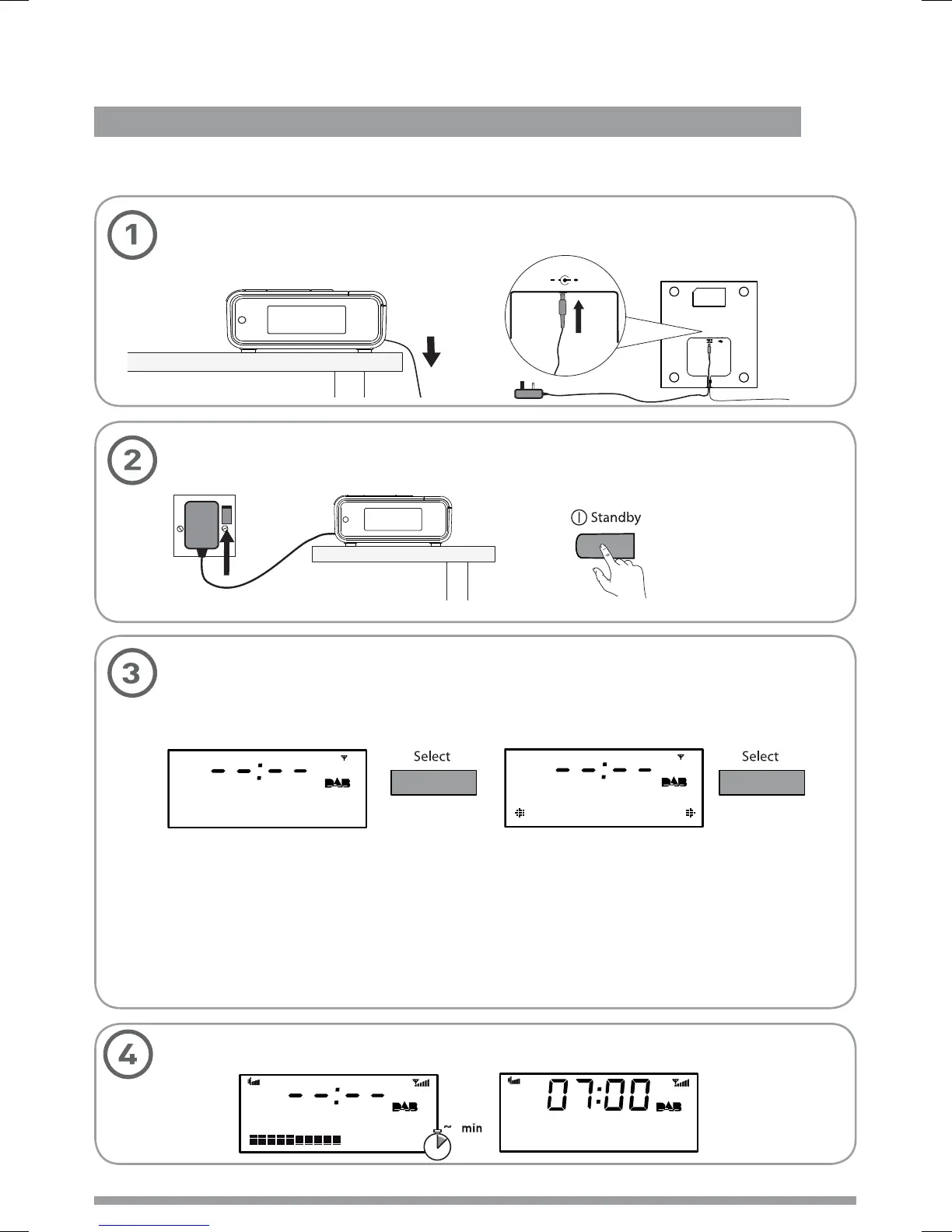
Wait until Milano completes an Autotune for available radio stations (about a minute).
Plug the mains adapter into the mains supply and press the Standby button.
Start
Quick set up
Quick set up > Overview of controls and connectors > Symbols on the screen
Start
Set energy saving mode.
Press the Select button when you see the message ‘Enable energy saving?’.
Press Select again to switch on energy saving mode.
saving?
Enable energy
On
Energy saving
When energy saving mode is switched on, the radio uses less power because it does
not collect and store Intellitext messages in standby. It still collects and stores Intellitext
messages while the radio is switched on (see page 11).
With energy saving mode switched on, the power consumption of Milano in standby is
less than 1 Watt.
For more information: Intellitext
> page 9 energy saving mode > page 11
Uncoil the aerial wire and hang it vertically, then connect the mains adapter to the
bottom of the unit as shown.
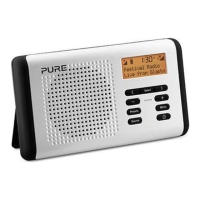
PURE milano 32
1
~
Text the show on
BBC Radio 2
5.5V DC







 To Next Page