18
FM stereo
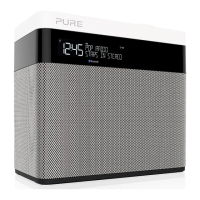
You can use the FM stereo menu to switch between stereo and mono reception.
You may want to select ‘Mono’ to try and improve weaker reception.
Note: The ‘FM stereo’ option is only visible when you have selected ‘FM’ as the
radio source.
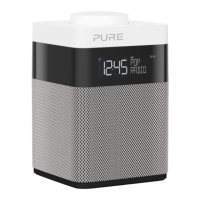
To change Pop’s FM stereo setting:
1. Press Menu.
2. Scroll < > to ‘FM stereo’ and press the Select button.
3. Scroll < > to choose between ‘Stereo’ and ‘Mono’ and press the Select
button to confirm.



 To Next Page
 Loading...