Wireless Internet
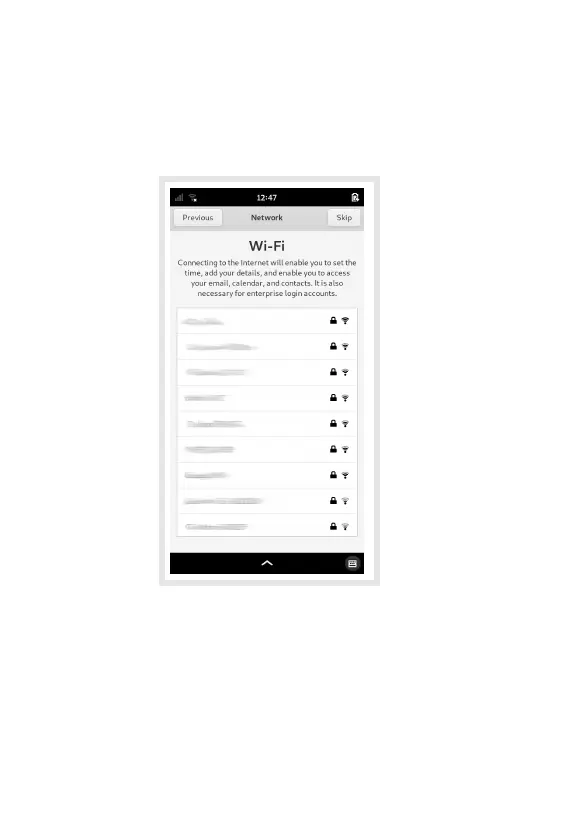
If the WLAN switch is enabled, the Network page is
shown. This lets you congure your wireless
connection to the network.
The WLAN interface may take a few seconds to list
nearby wireless networks.
Select a network to begin the connection process, or
swipe the list upwards to nd the Other… item at the
bottom of the list. Select this to connect to a hidden
network.
10


 To Next Page