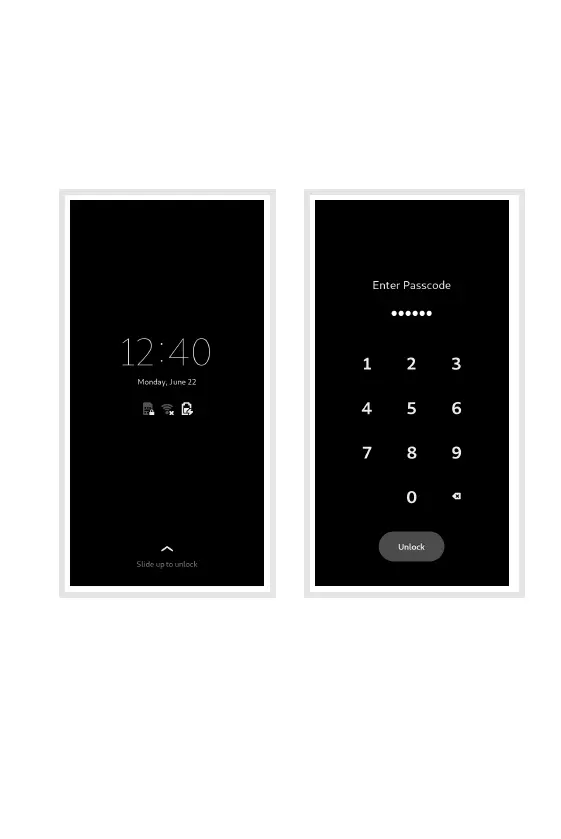
Unlock the Screen
The phone will show a lock screen.
To unlock it, swipe up from the bottom of the screen to
reveal the passcode entry screen.
Enter the default six digit passcode – 123456 – using
the numeric keypad then press the Unlock button to
unlock the phone.
Hint: You can change the passcode in the Settings
application later.
7


 To Next Page