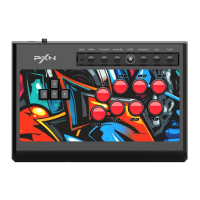
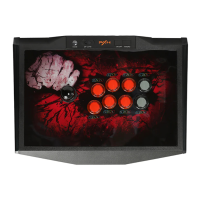
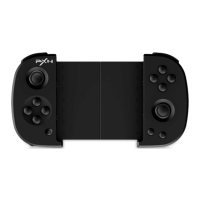
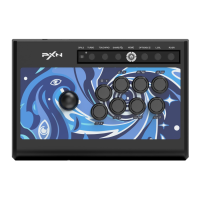
F16
System Requirements Connect with PC Attention
PXN-F16 属性
设置
测试游戏控制器。 如果控制工作不正常, 就需要校准控制器。 要校准
控制器, 请转到“设置”页。
轴
按钮 视觉头盔
Z 轴
Z 旋转
X 轴 / Y 轴
测试
确定 取消 应 用( A)
User Manual
Product Specifications
Connection Type
Product Model
Working Current
Packaging Size
Product Size
Unit Weight
Usage Temperature
Usage Humidity
Power source
USB Wiring
PXN-F16
10 - 40 ℃
20 ~ 80 %
20mA-100mA
DC 5V
Appro. 215 * 195 * 235 mm
Appro. 200 * 190 * 220 mm
Appro. 517g
Compatible Platforms
System Requirement on PC
Windows XP / 7 / 8 / 10 /11
PC
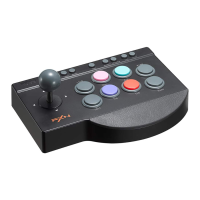
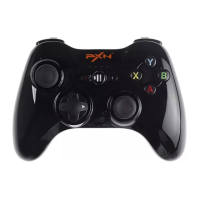
Product Overview
Step 1 Plug the joystick into PC USB port, the computer will prompt
new hardware and install automatically.
Step 2 Function testing is available on the computer. The specific
steps show below :
WIN 7/ 8 : Open Control Panel → Device and Printer → Right mouse click
PXN-F16 icon → Game Controller Setting, click Properties Testing.
WIN 10 : Open Setting → Devices → Device and Printer → Right mouse click
PXN-F16 icon → Game Controller Setting, click Properties Testing.
Step 3 After entered testing screen(show below), you can test every
axes and buttons function.
01 02 03
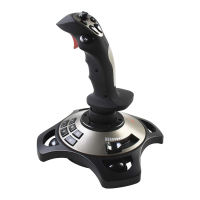
8-Way Hat Switch
Programmable Buttons
Rapid-Fire Trigger
Throttle Valve
Vibration Switch
OFF
ON
VIBRATION
Anti-slip Silicone
3
4
5
6
2
9
8
7
10
11
12
9
8
7
10
11
12
3
4
5
6
2
Direction Control
Avoid strong vibration, don’t disassemble or repair on your own.
Don't keep in humid conditions, high temperature or a dusty location.
Avoid getting water or other liquids into product.
Please handle gently when connecting and removing product.
Children should be under parent’s supervision to use the product.

 Need help?
 General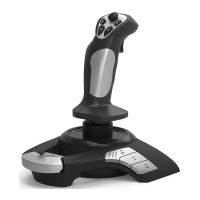

 To Next Page