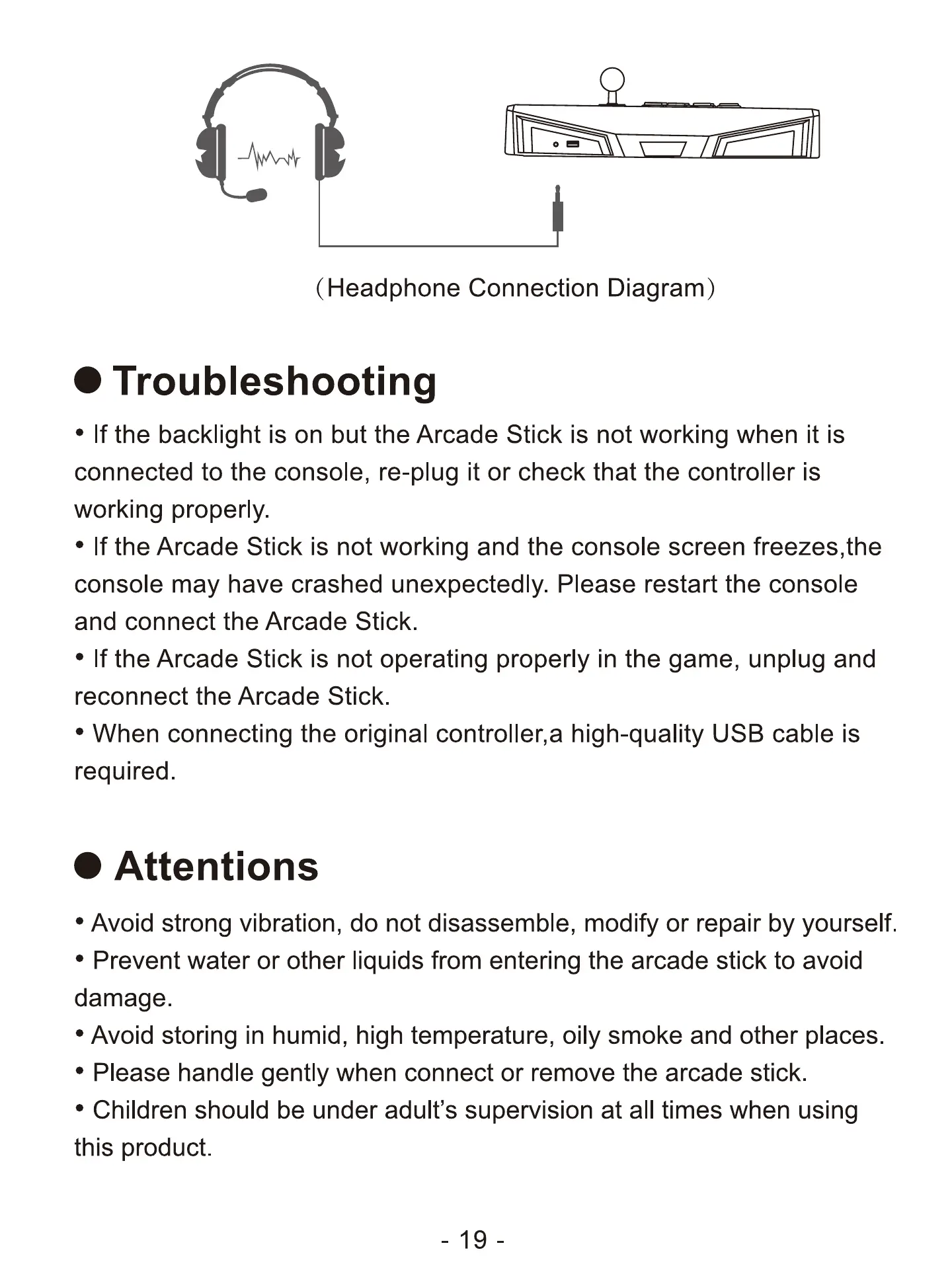
(Headphone Connection Diagram)
O Troubleshooting
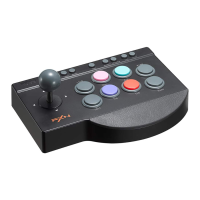
• If the backlight is on but the Arcade Stick is not working when it is
connected to the console, re-plug it or check that the controller is
working properly.
• If the Arcade Stick is not working and the console screen freezes,the
console may have crashed unexpectedly. Please restart the console
and connect the Arcade Stick.
• If the Arcade Stick is not operating properly in the game, unplug and
reconnect the Arcade Stick.
• When connecting the original controller,a high-quality USB cable is
required.
O Attentions
• Avoid strong vibration, do not disassemble, modify or repair by yourself.
• Prevent water or other liquids from entering the arcade stick to avoid
damage.
Avoid storing in humid, high temperature, oily smoke and other places.
' Please handle gently when connect or remove the arcade stick.
• Children should be under adult's supervision at all times when using
this product.
19-


 To Next Page