www.PyleUSA.com www.PyleUSA.com
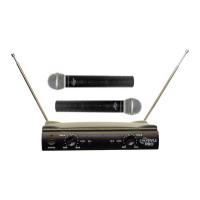
HANDHELD MICROPHONE
OPERATION
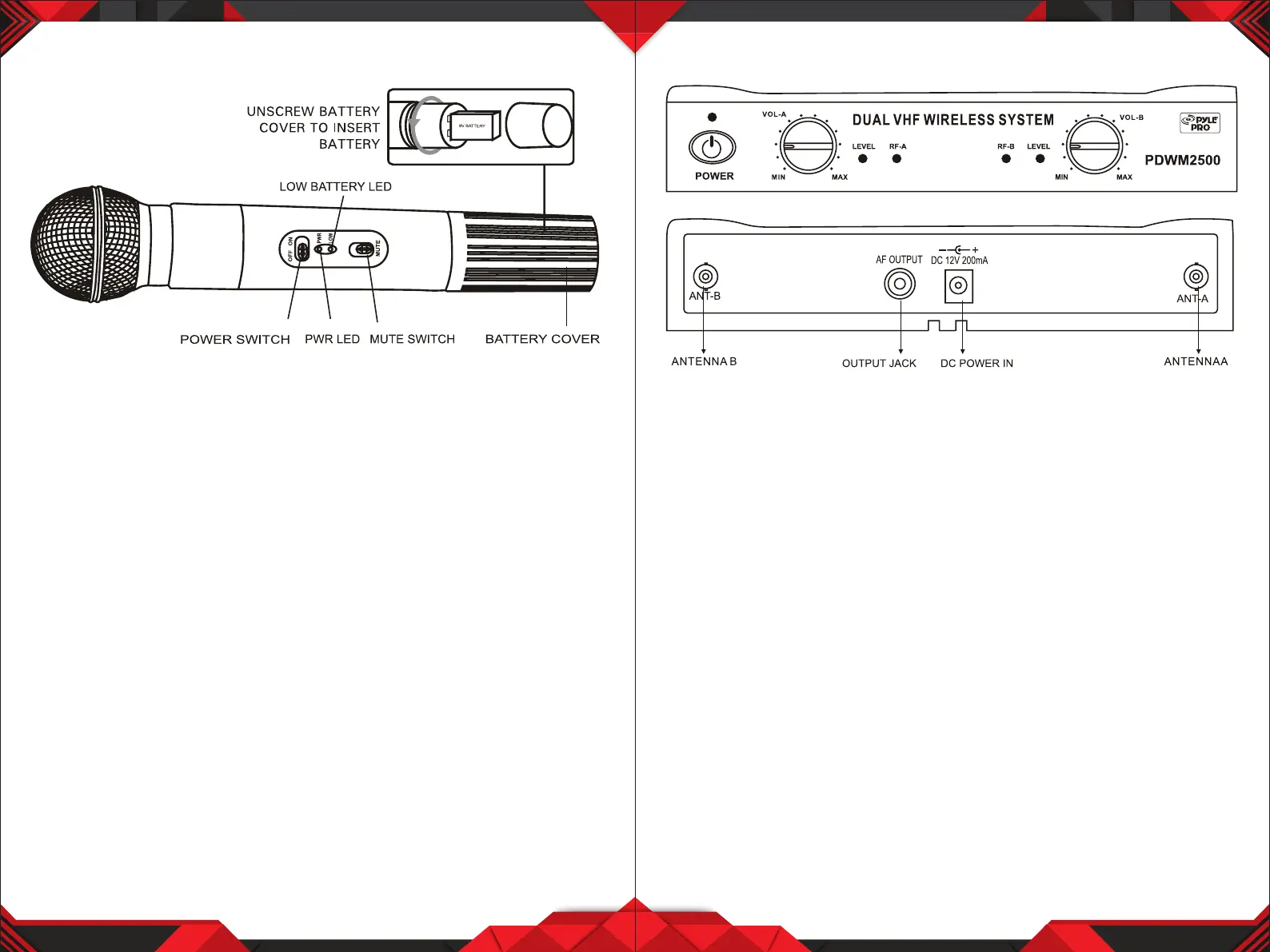
1. Unscrew the battery cover at the end of microphone, put a 9V battery into
compartment with correct polarities, then close the cover.
2. Move "ON/OFF" switch to "ON" position, "PWR" indicator lights blue. If it
doesn't turn on, please check the voltage of battery or polarities.
If the "LOW" indicator turns on, this indicates the battery is dead.
Please replace with a fresh battery.
3. The "MUTE" switch cuts o audio output without powering o the
microphone. Move the switch down to engage the mute feature, and up to
turn it o.
3 4
RECEIVER
OPERATION
1. Pull out the antennas A and B. Make sure they are completely extended and
vertical.
2. Insert one end of attached audio cable into "AF OUT" on rear panel, and the
other end into "MIC IN" or "AUX IN" of amplier or mixer.
3. Connect the power adaptor from DC 12V of receiver to a main power socket.
4. Switch ON the receiver. The power indicator turns ON.
5. Switch ON the microphone. The "RF" indicator on receiver lights green.
The "LEVEL" indicator will light up when you speak into the microphone.
Adjust the volume by VOL-A and VOL-B control knobs.


 To Next Page